

14 Oct Increase Google Map Visibility: Simple Tips to Improve Your Local Ranking
Increase Google Map Visibility: Simple Tips to Improve Your Local Ranking
How to Improve Your Google Maps Visibility
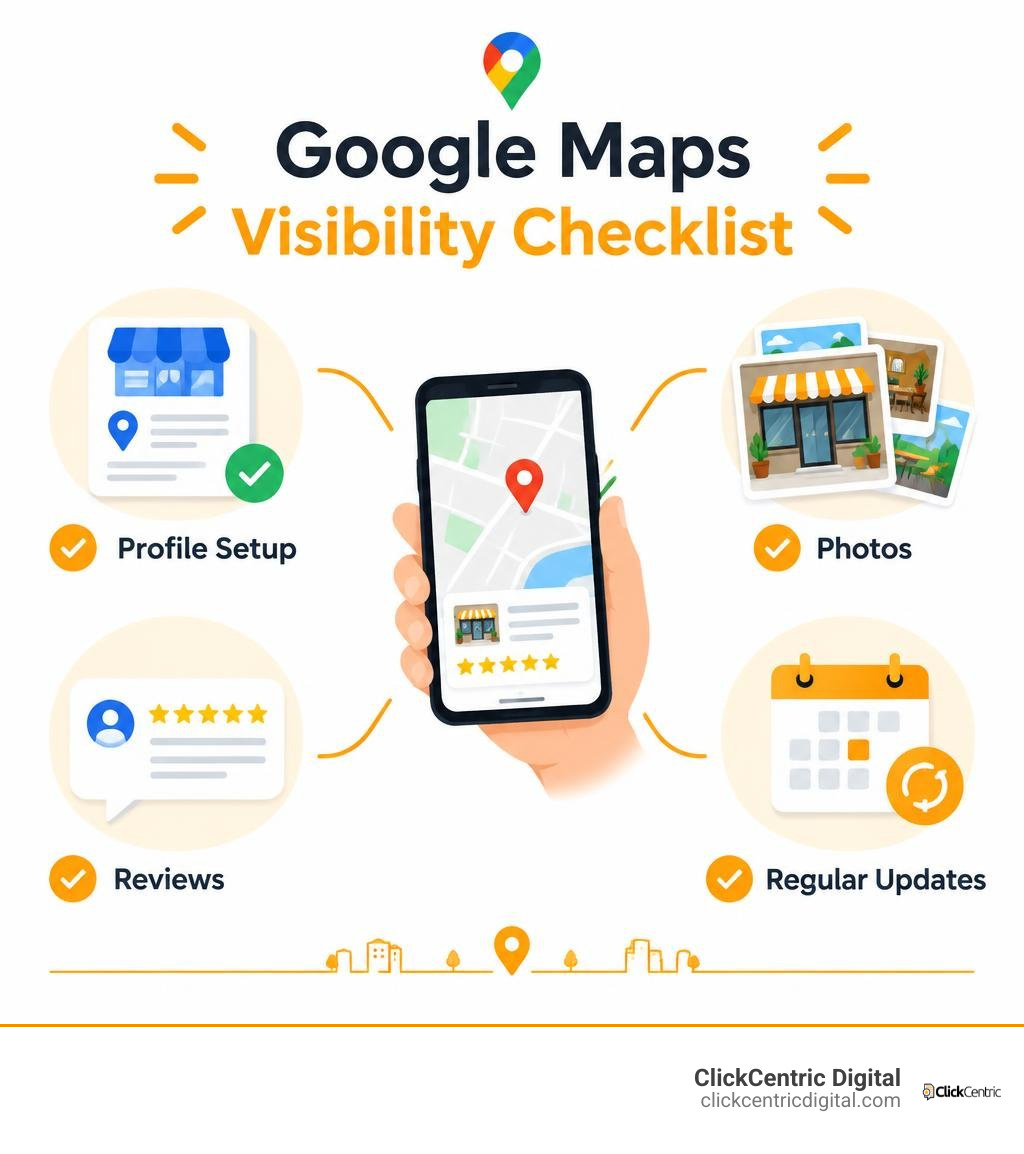
To enhance your Google Business Profile, claim and verify it, choose the category that best describes your main service, and complete every relevant field. Keep your hours accurate, add real photos, ask customers for honest reviews, and reply to them. Check the profile regularly so outdated details do not cost you customers.
Google ranks local results using relevance, distance, and prominence. You cannot change how far away a searcher is, but you can make your profile more useful and help nearby customers choose you.
I’m Fred Dirkse, and I’ll show you how to put those steps into practice.
Enhance google business profile word guide:
- google ads cost for small business
- google ads strategy for small business
- small business advertising
Introduction
Whenever nearby customers search for services on their phones, Google serves up the coveted “Local 3-Pack”—the top three local map results featured above traditional organic listings. Earning a spot in this VIP lounge requires matching search intent and sending the right signals to the algorithm.
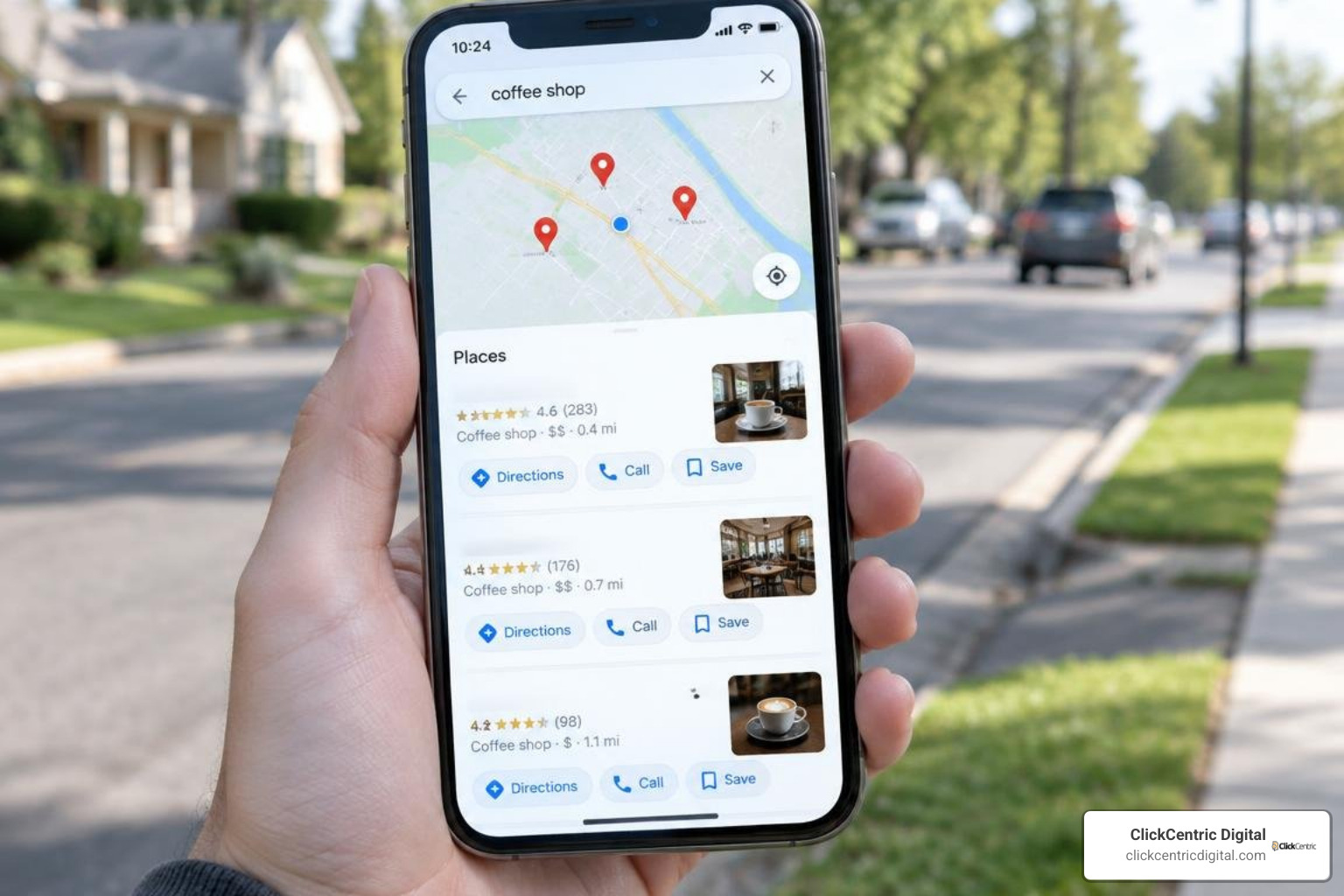
A fully optimized presence allows you to capture qualified discovery searches. When potential clients look for immediate solutions in West Michigan communities like Grand Rapids, Holland, or Kalamazoo, showing up on Google Maps determines whether they call your team or scroll right past.
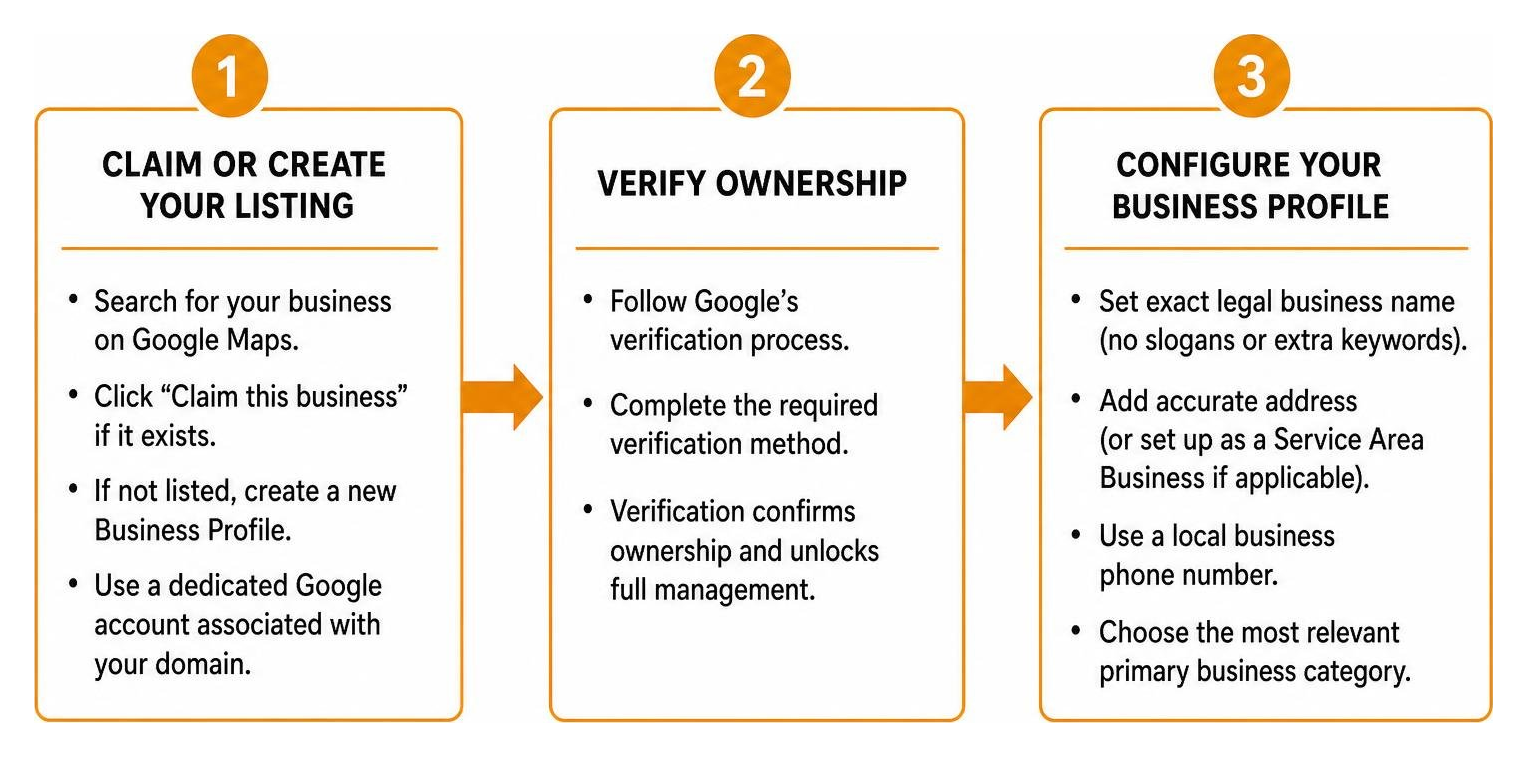
Core Setup: How to Claim, Verify, and Enhance Google Business Profile Foundations
Before diving into advanced tactics, you must build on rock-solid fundamentals. If your business is already listed automatically by Google, you need to establish ownership. If it does not exist yet, you will need to create it from scratch.
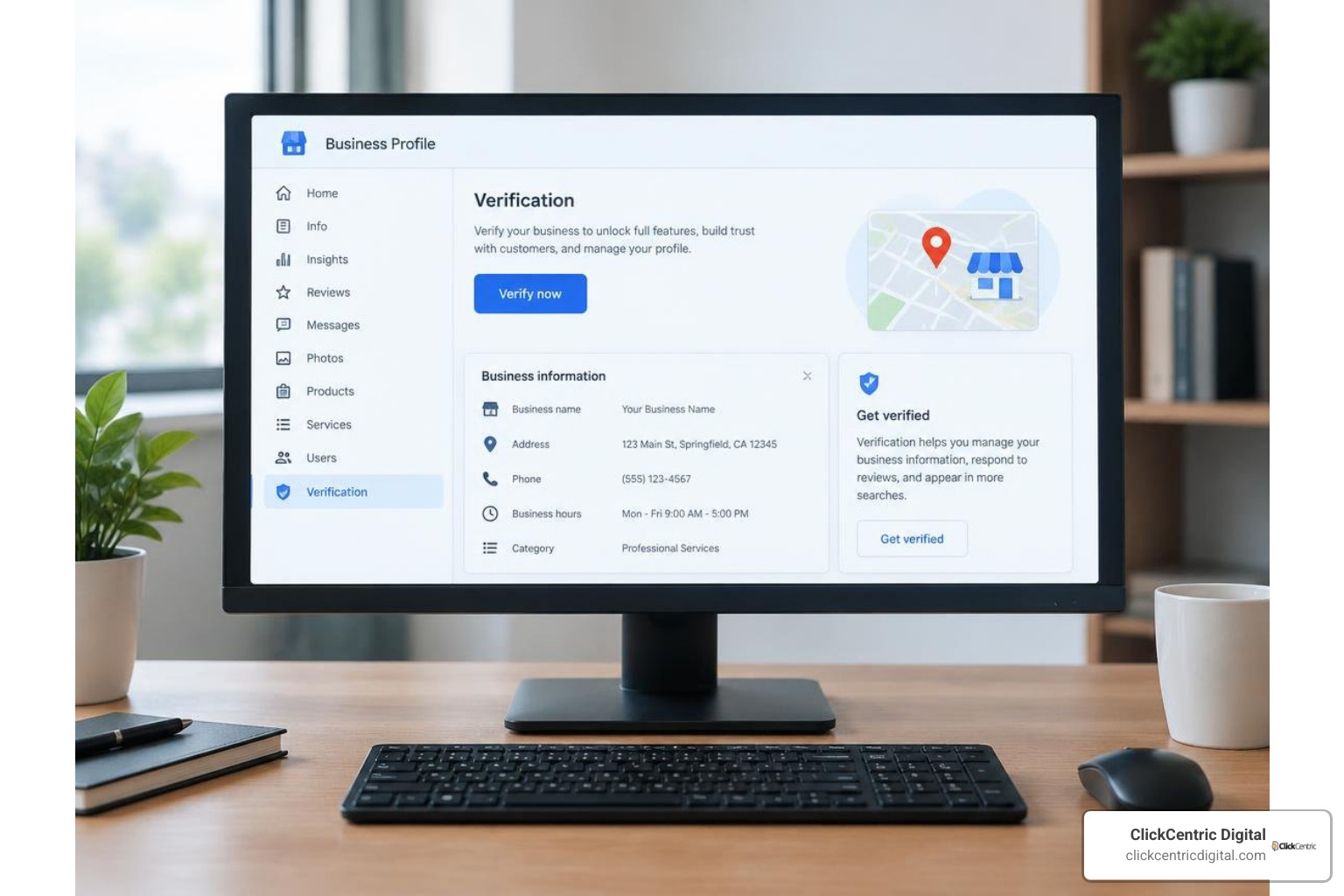
Start by heading to Google Maps, searching for your company name, and clicking “Claim this business.” If you are starting fresh, use a dedicated Google account associated with your domain to claim your spot on the map.
Google places heavy weight on Name, Address, and Phone number (NAP) consistency across the entire web. Follow the official guidelines outlined in Google’s advice on tips to improve your local ranking on Google:
- Exact Legal Name: Do not add marketing slogans or city names to your title unless they are part of your registered trademark.
- Accurate Physical Address: If customers visit your store in Grand Haven or South Haven, display your physical address. If you are a mobile service contractor who travels to clients, register as a Service Area Business (SAB) and hide your residential street address.
- Local Phone Number: Use a dedicated local landline or direct business line rather than a generic toll-free number.
Primary Category Selection: The Most Critical Decision to Enhance Google Business Profile Authority
Your primary business category is the single strongest ranking signal you control. It determines which search terms make your profile eligible to appear in the map pack.
Choose the category that matches your core revenue driver rather than a secondary specialty. To make an informed choice:
- Search your primary services on Google Maps.
- Note the primary categories used by the top three ranking competitors.
- Select the most specific match available in Google’s taxonomy.
You can add up to nine secondary categories to represent other facets of your catalog, but keep them focused. Learn how to refine your configuration by exploring our guide on how to master the Business Profile Manager.
2026 Verification Methods and Suspension Avoidance
Verification confirms that your business operates at the stated location. While postcard mailings used to be the default, Google now relies heavily on digital verification:
- Video Verification: Recording a continuous, uncut video showing your street signage, exterior building number, unlocked interior workspace, and proof of management (such as unlocking the point-of-sale system or accessing business software).
- Live Video Call: Scheduling a live walkthrough with a Google support representative.
- Email or Text Verification: Available primarily to established domains and legacy accounts.
- Postcard by Mail: Used as a fallback method for specific industries.
During the verification waiting period, do not edit your business name, address, or primary category. Making sudden modifications while verification is pending can trigger automated fraud filters and suspend your profile.
If your listing encounters compliance issues, follow our direct walkthrough on how to fix a suspended business profile. For formal reviews, read our breakdown on appealing a suspended Google listing.
How Relevance, Distance, and Prominence Determine Map Pack Visibility
Google calculates local map pack rankings using three fundamental pillars:
- Relevance: How well your profile details match the intent of the search query.
- Distance: How far the searcher is from your registered address or service territory.
- Prominence: How well-known, trusted, and credible your business appears across the web.
| Ranking Pillar | Algorithmic Signals | What You Can Control |
|---|---|---|
| Relevance | Primary/secondary categories, business description, service menus, product catalogs | Complete every field accurately; use precise service names and detailed descriptions. |
| Distance | Searcher’s physical location relative to your verified address or service area | Set realistic service boundaries; avoid misrepresenting physical storefront locations. |
| Prominence | Review volume, review scores, response rate, directory citations, organic backlinks | Build consistent review workflows, earn local media mentions, and maintain strong site SEO. |
Distance is determined by the searcher’s physical location, but you can maximize your reach by mastering proven Google Maps ranking factors and implementing structured local map optimization strategies.
Essential Listing Sections to Complete for Higher Conversions
A complete profile sends clear signals to Google and builds immediate trust with customers.
Make sure you complete these key profile fields:
- Business Description: Write a clear, conversational overview (up to 750 characters). Explain who you are, what services you provide, and what sets you apart. Avoid stuffing keywords, dropping links, or writing in all caps.
- Operating Hours: Keep your regular weekly operating schedule up to date. Always add holiday hours in advance to prevent customers from arriving at a closed door.
- Services Menu: Break down your services into distinct items with clear descriptions and starting prices.
- Product Catalog: Retailers and eligible service providers can add visual product cards with images, pricing, and direct links to product pages on their website.
- Attributes: Check all applicable attributes, such as “wheelchair accessible entrance,” “free Wi-Fi,” or “women-led.”
For step-by-step instructions on updating your settings, see Google’s official documentation on how to edit your Business Profile. You can also discover techniques on how to make Google fall in love with your profile.
Using Q&A and Visual Media to Enhance Google Business Profile Engagement
Profiles with active visual media receive significantly more engagement, direction requests, and website visits than unoptimized profiles. Upload at least 10 to 15 high-resolution images to establish your profile:
- Crisp exterior shots showing the storefront and parking area from the street.
- Warm interior photos showing your lobby or workspace.
- Real action shots of your team on the job.
- High-resolution logos and cover photos.
- Short video walkthroughs (under 30 seconds).
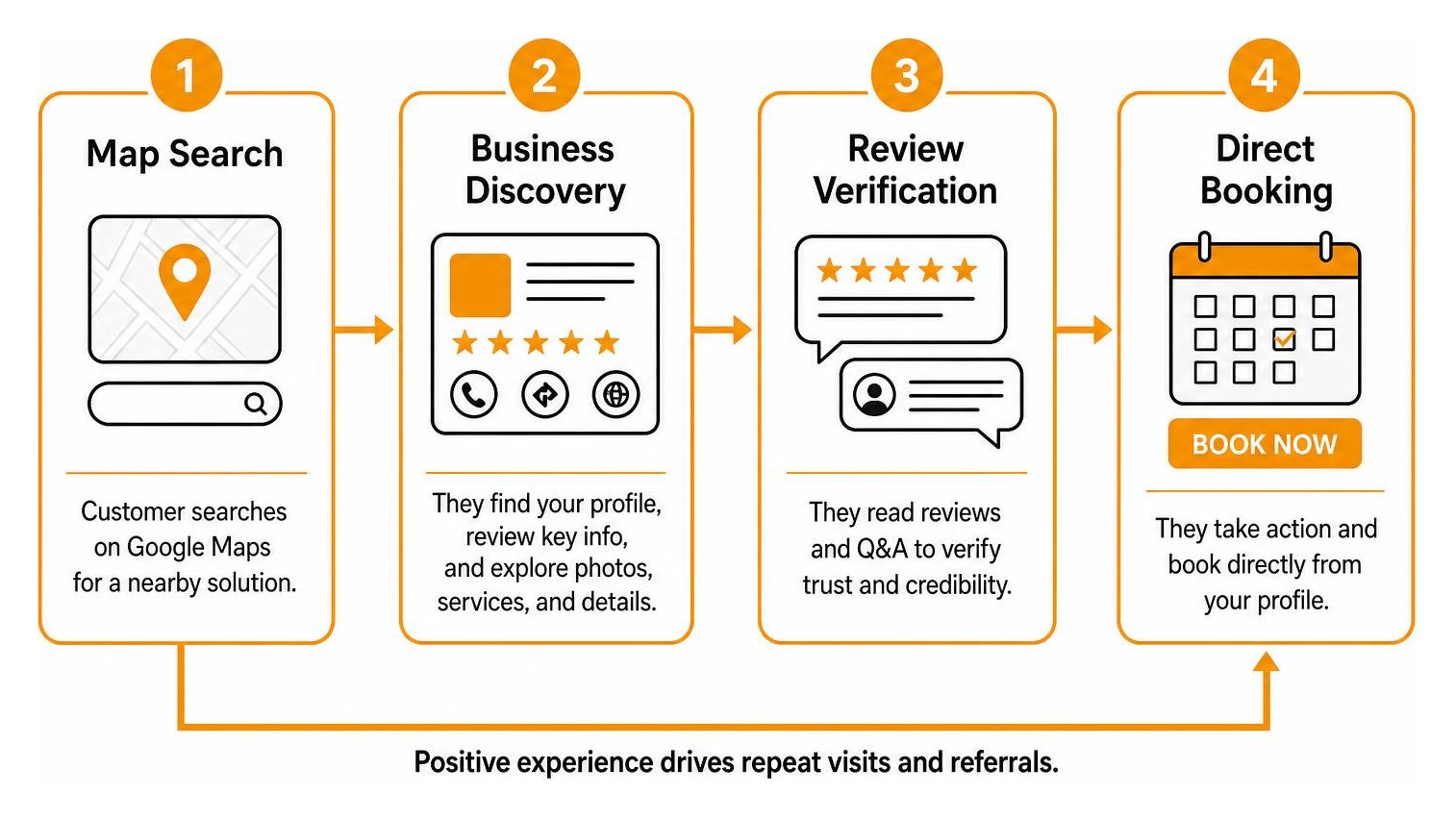
Do not overlook the Question & Answer (Q&A) section. Anyone in the public can ask or answer questions on your profile. Take control of this area by proactively asking and answering your most common customer inquiries:
- “Do you provide on-site estimates?”
- “What is your typical turnaround time?”
- “Do you offer emergency weekend appointments?”
Answering these questions directly eliminates friction and helps convert searchers into paying clients faster.
Driving Prominence Through Systematic Reviews and Regular Updates
Customer reviews account for roughly 15% of local ranking signals. Beyond boosting visibility, ratings directly impact your bottom line: a 4.7-star business attracts roughly 30% more clicks than a 3.8-star competitor. To appear in searches containing terms like “best” or “top,” your average rating must remain above 4.0 stars.
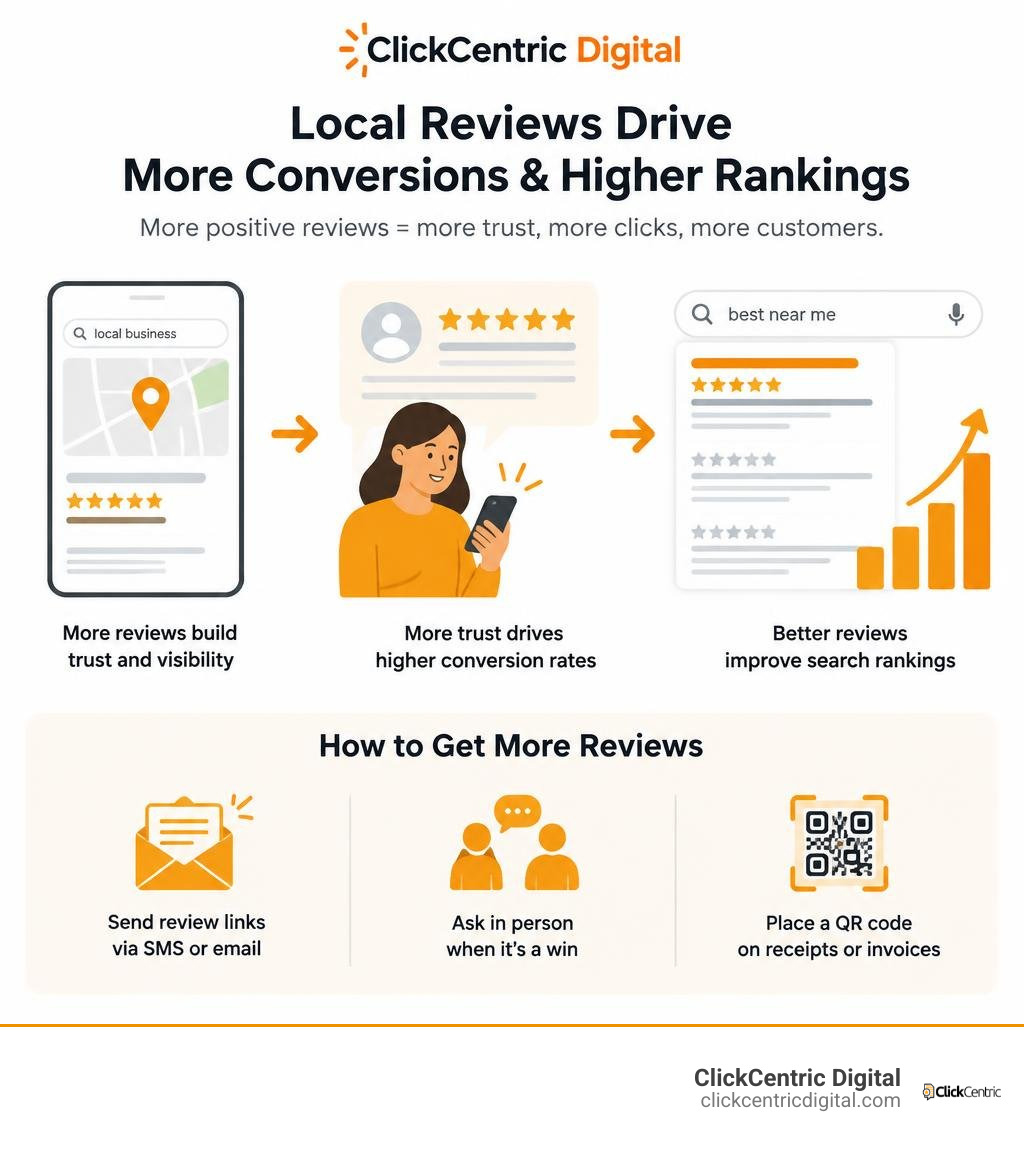
Build an automated system to request feedback from every satisfied customer:
- Send direct review links via SMS or email immediately following a completed job.
- Train your team to ask in person when delivering positive outcomes.
- Place a QR code linked to your review prompt on receipts or invoices.
Always respond to both positive and negative reviews within 24 to 48 hours:
- For Positive Reviews: Thank the customer warmly, mention the specific service provided, and reinforce your commitment to great service.
- For Negative Reviews: Acknowledge their frustration calmly, apologize for the breakdown in communication, and invite them to resolve the issue offline via phone or direct email. Never argue publicly.
Keep your listing active by sharing weekly Google Posts. Use them to highlight limited-time discounts, announce new services, or share recent work. For tips on creating engaging updates, check out our guide on Google Business Profile posting strategies and explore tactics for winning the local pack in 2026.
Ongoing Profile Maintenance Checklist and Pitfalls to Avoid
Maintaining top rankings requires ongoing attention. Treat your listing as an active marketing channel rather than a one-time project.
Incorporate these recurring checks into your routine:
- Weekly: Reply to all new reviews, answer newly submitted Q&As, and publish a fresh Google Post.
- Monthly: Review uploaded photos, add 3 to 5 new project images, and check your dashboard for unapproved user-suggested edits.
- Seasonally: Update holiday operating hours and refresh service menus.
If you are managing your presence internally, review our advice on managing your business profile on a budget.
Avoid common mistakes that trigger algorithmic penalties:
- Keyword Stuffing: Adding location names or keywords to your official business name will eventually trigger an account suspension.
- Creating Duplicate Listings: Multiple profiles for the same physical address split your ranking power and create user confusion. Merge duplicates immediately.
- Ignoring Public Edits: Competitors and users can suggest changes to your address, hours, or categories. If you do not monitor your dashboard, Google may automatically apply those edits.
Frequently Asked Questions About Local Profile Optimization
How do you edit or update a Google Business Profile after verification?
You can manage your listing directly within Google Search or the Google Maps mobile app. Make sure you are signed into the Google account that owns the profile, search for your business name, and select “Edit profile.” From there, you can update your business hours, contact numbers, descriptions, and services. Changes to non-sensitive fields typically go live within 10 to 60 minutes.
What should you avoid doing during the verification waiting period?
Avoid modifying your core NAP information (Business Name, Physical Street Address, or Primary Category) while your verification status is pending. Making major changes during this phase resets the verification process, flags your account for manual fraud review, or triggers an immediate listing suspension.
How many photos should you upload when launching an optimized profile?
Aim to launch with at least 10 to 15 high-quality, authentic photographs. Include one clear logo, a high-resolution cover image, three exterior shots from different angles, three interior shots, and several photos of your team members at work. After launch, upload 2 to 4 new images each month to signal continuous business activity to Google.
Conclusion
Dominating your local market requires a systematic approach to local SEO: claiming your listing, selecting the right primary category, filling out every profile field, and earning authentic reviews. Consistent attention to these details builds the relevance and prominence needed to secure top visibility on Google Maps.
If you want to accelerate your local growth, ClickCentric Digital is here to help. We build tailored local search campaigns, streamline review generation, and launch targeted ad campaigns that deliver measurable results across West Michigan.
Schedule your consultation today through our local search acquisition services to start capturing more high-intent customers.
Sorry, the comment form is closed at this time.