

14 Aug Don’t Panic: Your Guide to Appealing a Suspended Google Listing
Don’t Panic: Your Guide to Appealing a Suspended Google Listing
Your Google Listing Got Suspended — Here’s What to Do First
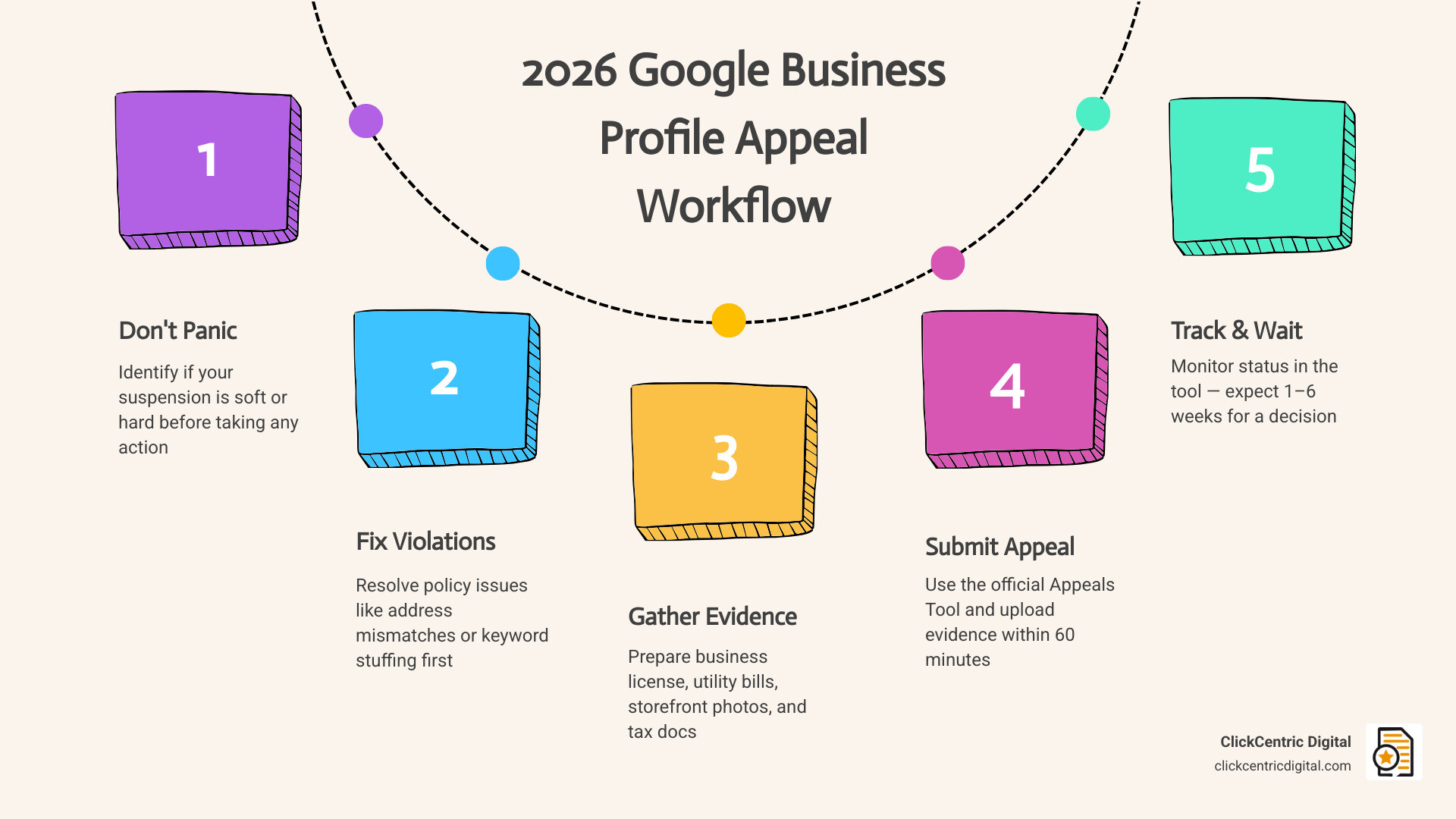
If you need to appeal a suspended Google listing, here are the key steps to take right now:
- Don’t create a new listing — this can permanently ban your profile
- Identify your suspension type (soft or hard) by searching for your business on Google Maps
- Fix any policy violations on your profile before submitting an appeal
- Gather your evidence — business license, utility bill, storefront photos
- Submit your appeal via the Google Business Profile Appeals Tool
- Upload your evidence within 60 minutes of submitting the appeal form
- Track your status in the appeals tool — decisions typically take 1–6 weeks
You wake up, open your email, and there it is: “Your Business Profile has been suspended.” Your phone goes quiet. Customers can’t find you. Revenue drops overnight.
It’s a gut-punch — and it happens to more than 200,000 businesses every year.
The good news? A suspension doesn’t have to be permanent. But how you respond in the next few hours matters enormously. The wrong move — like filing an appeal before fixing the root cause, or creating a duplicate listing — can make things significantly worse.
This guide walks you through exactly what to do, in the right order, so you can get your listing back as quickly as possible.
Understanding Your Suspension: Soft vs. Hard Listings
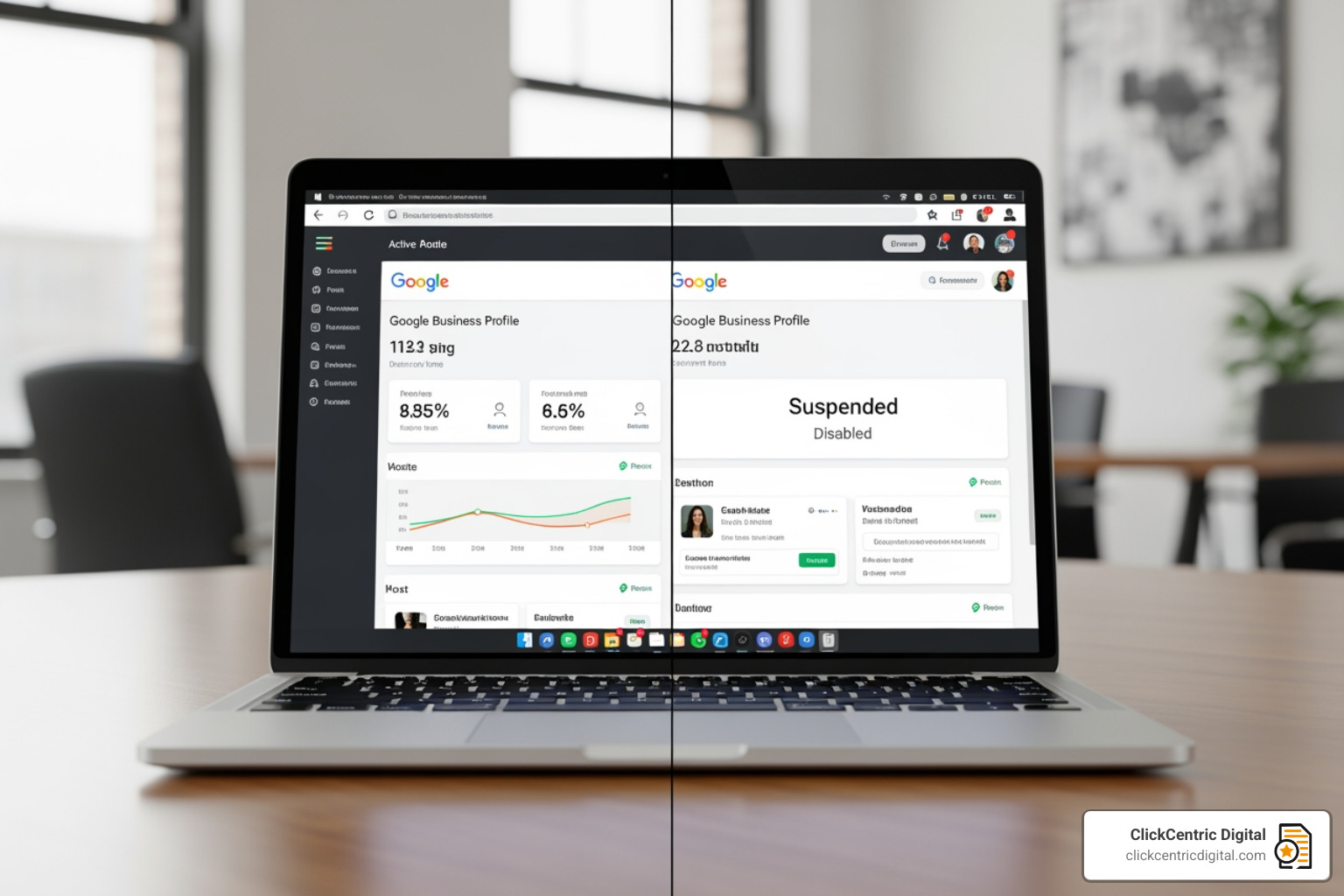
Before we dive into the appeal suspended google listing process, we need to perform a little triage. Not all suspensions are created equal. In May 2026, Google uses two primary “flavors” of suspension, and knowing which one you have determines your recovery path.
Soft Suspension
A soft suspension is essentially Google “unverifying” you.
- The Signs: You see a red “Suspended” label in your Google Business Profile (GBP) dashboard, but your business still appears on Google Maps and Search.
- The Impact: You lose the ability to manage the listing. You can’t reply to reviews, update hours, or post updates.
- The Good News: Your ranking positions usually stay intact. Since the listing is still visible, your phone hasn’t stopped ringing yet.
Hard Suspension
This is the emergency room version of a suspension.
- The Signs: Your listing completely vanishes from Google Maps and Search. If you search for your business name, it simply isn’t there.
- The Impact: Devastating. Calls can drop by as much as 90% because your local visibility has been wiped out.
- The Risk: Hard suspensions are often triggered by serious policy violations or “spammy” industry flags.
| Characteristic | Soft Suspension | Hard Suspension |
|---|---|---|
| Search Visibility | Visible but “unverified” | Completely invisible |
| Dashboard Access | Can see, but can’t edit | Can see, but can’t edit |
| Ranking Impact | Minimal (initially) | Total loss of local traffic |
| Reviews/Photos | Still visible to public | Hidden from public |
Identifying Account-Level Restrictions
Sometimes, the problem isn’t your business profile—it’s you. Or rather, the Google account you’re using to manage the profile. Google can place restrictions on a specific user account if that user has managed other “spammy” listings or violated policies elsewhere.
When an account is restricted, every profile managed by that account may be suspended simultaneously. If you manage multiple locations across West Michigan—perhaps in Grand Rapids and Holland—and they all go dark at once, you’re likely dealing with an account-level restriction. You can learn more about the nuances of this in this guide on Google Business Profile Suspensions From Account Restrictions: Causes, Appeals & Fixes.
Why Google Suspends Business Profiles in 2026
Google doesn’t usually send a detailed “breakup letter” explaining exactly why they suspended you. They typically send a vague email mentioning “policy violations.” However, based on the current landscape in 2026, we see a few usual suspects:
- Keyword Stuffing: Adding extra words to your business name (e.g., “Grand Haven Plumbers – Best Emergency Drain Cleaning”) is a fast track to a hard suspension. Your name must match your legal business name exactly.
- Virtual Offices & PO Boxes: Google requires a physical presence where you can meet customers. Using a PO Box or a “virtual office” address in Kalamazoo without a dedicated, branded suite is a major red flag.
- Frequent Edits: Making too many changes to core fields (like your address, phone number, and business name) in a short window can trigger an automated fraud flag.
- Service Area Business (SAB) Errors: If you work at your customers’ locations (like a landscaper in South Haven) but show your home address on the map, you are violating Google’s guidelines. SABs must hide their physical address.
- Spammy Industries: Certain industries like locksmiths, garage door repair, and plumbing are under high scrutiny. Google often performs “algorithmic sweeps” that catch legitimate businesses in the crossfire.
For a deeper dive into these triggers, check out The Ultimate Playbook for Google Business Profile Suspensions – Sterling Sky Inc.
When Reinstatement Isn’t the Best Strategy
Wait, why wouldn’t you want your listing back? In rare cases, if you have multiple listings that are competing with each other or if a suspended listing was a “test” profile that wasn’t performing well, it might be better to let it go.
Instead of fighting a losing battle for a low-quality listing, focus your energy on ensuring your main profile is bulletproof. You want Google to trust your primary entity implicitly. We’ve detailed how to do this in our guide on How to Make Google Fall in Love with Your Business Profile.
How to Appeal Suspended Google Listing: The Step-by-Step Process
Google introduced a new, more structured reinstatement process that is strictly enforced in 2026. This isn’t just a simple form anymore; it’s a legalistic appeal process.
Step 1: The Pre-Appeal Audit
Do not click appeal yet. This is the #1 mistake we see businesses in West Michigan make. If you appeal a listing that still violates the rules, Google will deny it, and your second attempt will be much harder.
- Check your business name.
- Check your address (is it a PO Box?).
- Check your categories.
- Ensure your website matches your profile data exactly.
Step 2: Access the Appeals Tool
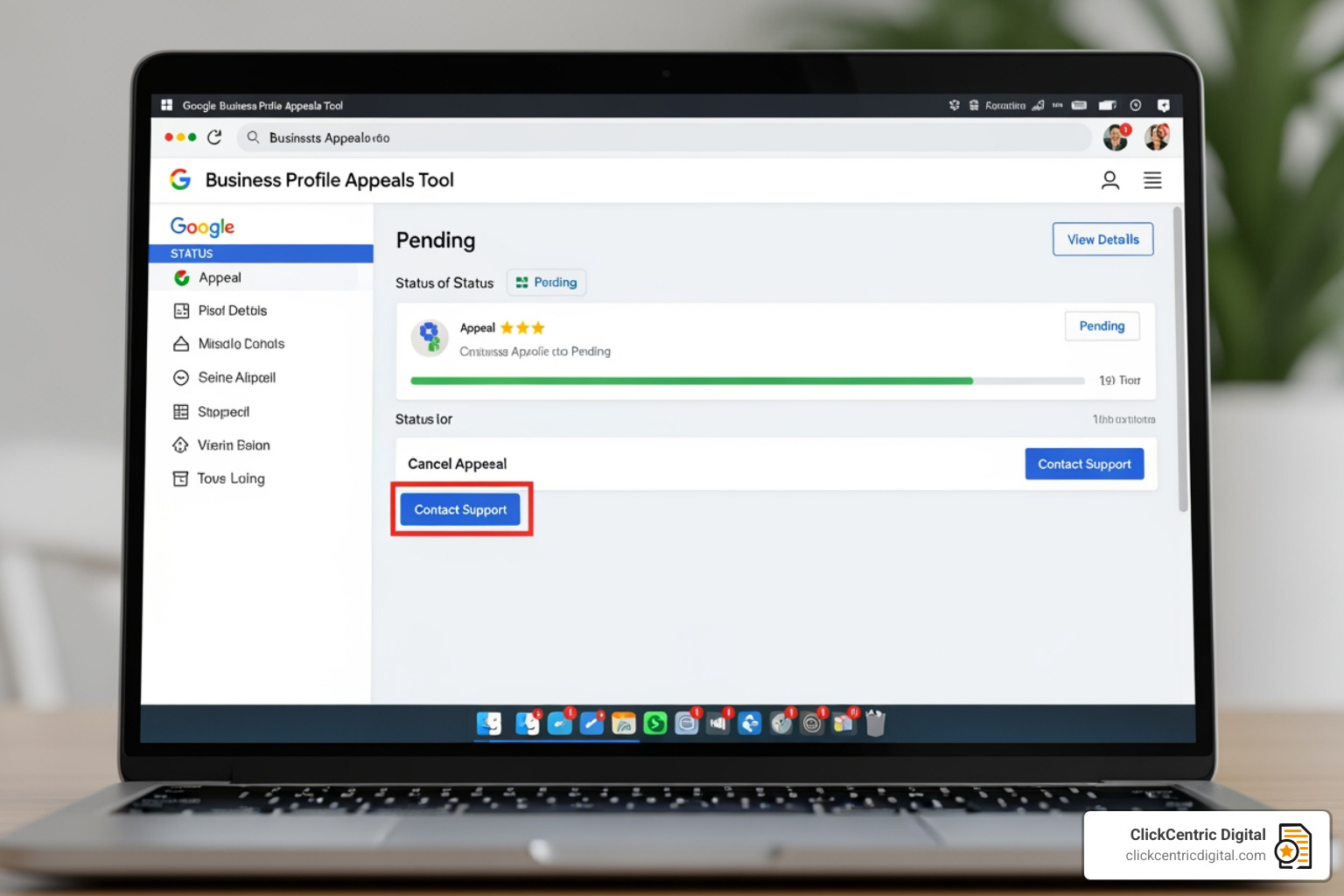
Navigate to the official Google Business Profile Appeals Tool. Sign in with the Google account that owns the profile. Select the business you want to reinstate.
Step 3: Review the Decision
The tool will show you the “reason” for the suspension (usually a link to a specific policy). Review this carefully. If you haven’t fixed the issue yet, exit the tool and go fix it now.
Step 4: Submit the Appeal
Once you are confident your profile is 100% compliant, click “Appeal.” You will be asked to provide a brief narrative. Be professional. State clearly that you have reviewed the guidelines, fixed any potential issues, and are providing evidence of your business’s legitimacy.
Step 5: The Critical 60-Minute Window
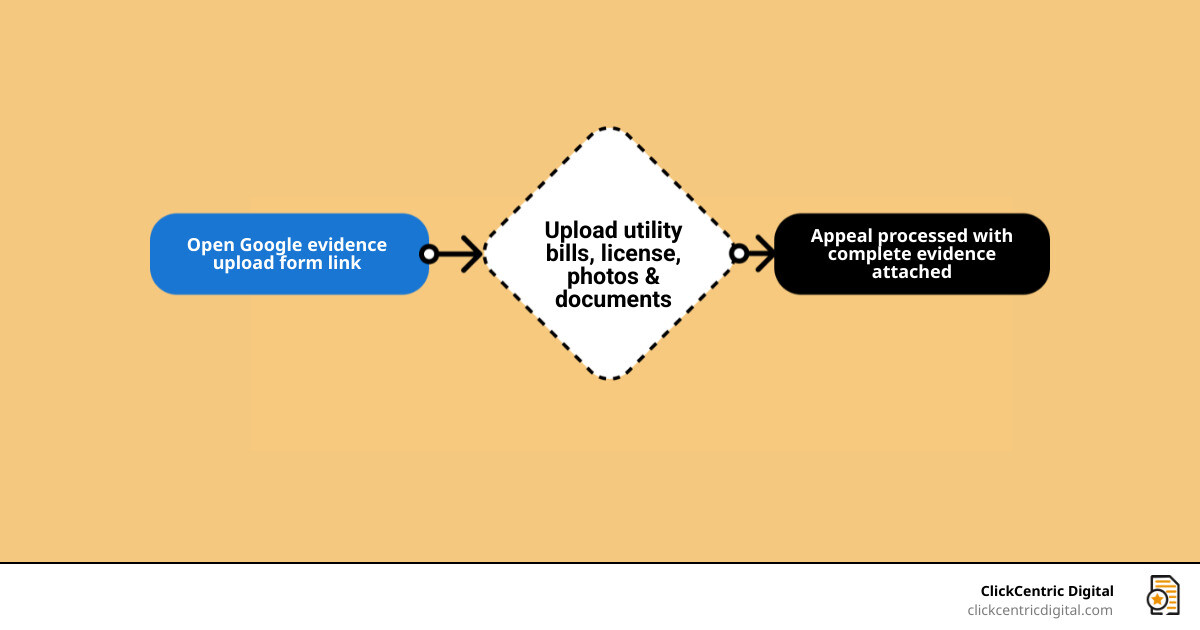
This is the most important part of the 2026 process. Once you submit the initial appeal form, Google will often provide a link to a separate evidence form. You have exactly 60 minutes to upload your documents. If you miss this window, your evidence will not be attached to your case, and your appeal will almost certainly be denied. This is why you must have your “Evidence Packet” ready before you start.
Preparing Your Evidence to Appeal Suspended Google Listing
To win an appeal suspended google listing case, you need to prove your business is a real, legal entity operating at the address you claim. We recommend the “Golden Trio” of evidence:
- Official Business License: A scanned copy of your registration with the State of Michigan or your local municipality (like the City of Grand Rapids).
- Utility Bill: A recent (last 30 days) bill for water, electricity, or internet. The name and address on the bill must match your Google Business Profile exactly.
- Visual Proof: A photo of your permanent storefront signage or, for service-area businesses, a photo of your branded vehicle with your business tools.
For more on how these elements fit into your broader strategy, see The Ultimate Guide to Google Maps Marketing.
Understanding the 2026 Appeal Timeline
In the past, you might get a response in 48 hours. In 2026, things are moving slower due to the high volume of manual reviews.
- Standard Review: Typically takes 3–10 business days.
- High Volume Periods: During “suspension sweeps,” wait times can stretch to 5–6 weeks.
- The Golden Rule: Do not submit multiple appeals while waiting. This resets your “place in line” and can flag your account as spam.
You can stay updated on current backlog trends via Google Business Profile Suspensions Rise, But Appeals Are Delayed.
What to Do if Your Appeal is Denied
If you receive an email saying your appeal was “Not Approved,” take a deep breath. It’s not necessarily the end of the road, but the stakes are now much higher.
- Request an Additional Review: Google usually allows one “second look.” You must provide new evidence that wasn’t in the first appeal.
- Check for “Hidden” Violations: Sometimes the issue isn’t your name or address, but a user on the account. If a manager on your profile has a “flagged” personal Google account, their presence could be blocking your reinstatement.
- Community Escalation: If you are a legitimate business and have been denied despite providing perfect evidence, you can post your case in the Google Business Profile Help Community. Occasionally, “Product Experts” (volunteers) can escalate cases to Google staff.
- Professional Audit: At this stage, it’s often worth having a professional look at your digital footprint. We often find that a technical SEO issue or a NAP (Name, Address, Phone) inconsistency on a third-party site is the culprit. See our SEO Audit Services Survival Guide for help identifying these gaps.
Best Practices to Prevent Future Suspensions
Once you get your listing back, you want to keep it. Google places recently reinstated profiles on a “probationary” period where they are monitored more closely.
- NAP Consistency: Ensure your business name, address, and phone number are identical across your website, Facebook, Yelp, and the Michigan Secretary of State records.
- Slow Down the Edits: If you need to change your hours and your description, do one today and the other next week. Rapid-fire edits look like a “hacker” is taking over the listing.
- User Governance: Only give “Manager” access to people you trust. Never give access to “low-cost” SEO services that use generic Gmail accounts.
- Keep Your Evidence Handy: Keep a folder on your computer with your latest utility bill and business license. If Google asks for a re-verification (which is common in 2026), you’ll be ready to go in minutes.
For more tips on staying in Google’s good graces, review the Google Maps Ranking Factors for 2025.
Maintaining Your Reinstated Appeal Suspended Google Listing
After reinstatement, you might notice your rankings are a bit “wobbly.” This is normal. Usually, if the suspension was short (under 2 weeks), your rankings will bounce back to their original positions within a few days.
However, if you were gone for a month, you may need to kickstart your visibility with new photos, a few fresh reviews, and updated Google Posts. Don’t leave your ranking to chance; you can Stop Guessing Your Local Map Ranking by using tracking tools to monitor your recovery.
Frequently Asked Questions about Google Suspensions
How long does the Google Business Profile appeal process typically take?
While Google aims for a 5-business-day turnaround, the reality in 2026 is often 1–6 weeks. This depends on whether you are in a “spam-heavy” industry and the current backlog of manual reviewers at Google.
Can I create a new listing while my current one is suspended?
Absolutely not. This is the fastest way to get a permanent ban. Google’s systems are excellent at detecting duplicate businesses at the same location. Creating a new listing shows “intent to circumvent” their policies, which is a major violation.
What is the 60-minute evidence rule?
When you submit an appeal suspended google listing through the new 2026 workflow, Google provides a link to an evidence upload form. You must submit your documentation through this form within 60 minutes of opening it. If you don’t, the evidence won’t be linked to your appeal, leading to an automatic denial.
Conclusion
Dealing with a suspended Google listing is stressful, but it’s a hurdle many successful businesses have cleared. By staying calm, fixing your violations first, and following the 2026 appeal process to the letter, you can get your business back on the map.
At ClickCentric Digital, we specialize in helping businesses across West Michigan—from Kalamazoo to Grand Haven—navigate the complexities of local search. Whether you’re struggling with a suspension or looking to dominate the local map pack, we’re here to help you Make Google Fall in Love with Your Business Profile.
Don’t let a suspension silence your business. Take action today, gather your evidence, and let’s get those phones ringing again.
Sorry, the comment form is closed at this time.