

08 Jul How to Delete Google Business Reviews and Keep Your Sanity
How to Delete Google Business Reviews and Keep Your Sanity
The Hard Truth About Deleting Google Business Reviews

If you’re trying to figure out how to delete a Google Business review that’s hurting your reputation, here’s the fast answer:
Quick Answer: How to Delete a Google Business Review
- If you wrote the review yourself: Go to Google Maps > Your Contributions > Reviews > click the three-dot menu next to the review > select Delete review.
- If a customer wrote it: You cannot delete it directly. You must flag it for removal by clicking the three-dot menu next to the review in your Google Business Profile and selecting Report review. Google will only remove it if it violates their content policies.
- If Google rejects your report: Submit a one-time appeal through the Reviews Management Tool with specific evidence of the policy violation.
That’s the reality — and it’s frustrating for a lot of business owners.
A single scathing review can do real damage. 94% of searchers say they’ll avoid a business after reading negative reviews, and 63.6% of consumers check Google specifically before visiting any local business. Your star rating isn’t just a vanity metric — it directly affects foot traffic, calls, and revenue.
The problem is that Google doesn’t give you a simple delete button. The platform is designed to protect review integrity, which means you’re not in full control of your own listing’s feedback. What you can control is how you respond — and whether a review crosses the line into policy-violating territory that Google will act on.
This guide walks you through every legitimate option, what works, what doesn’t, and how to protect your reputation when removal isn’t possible.
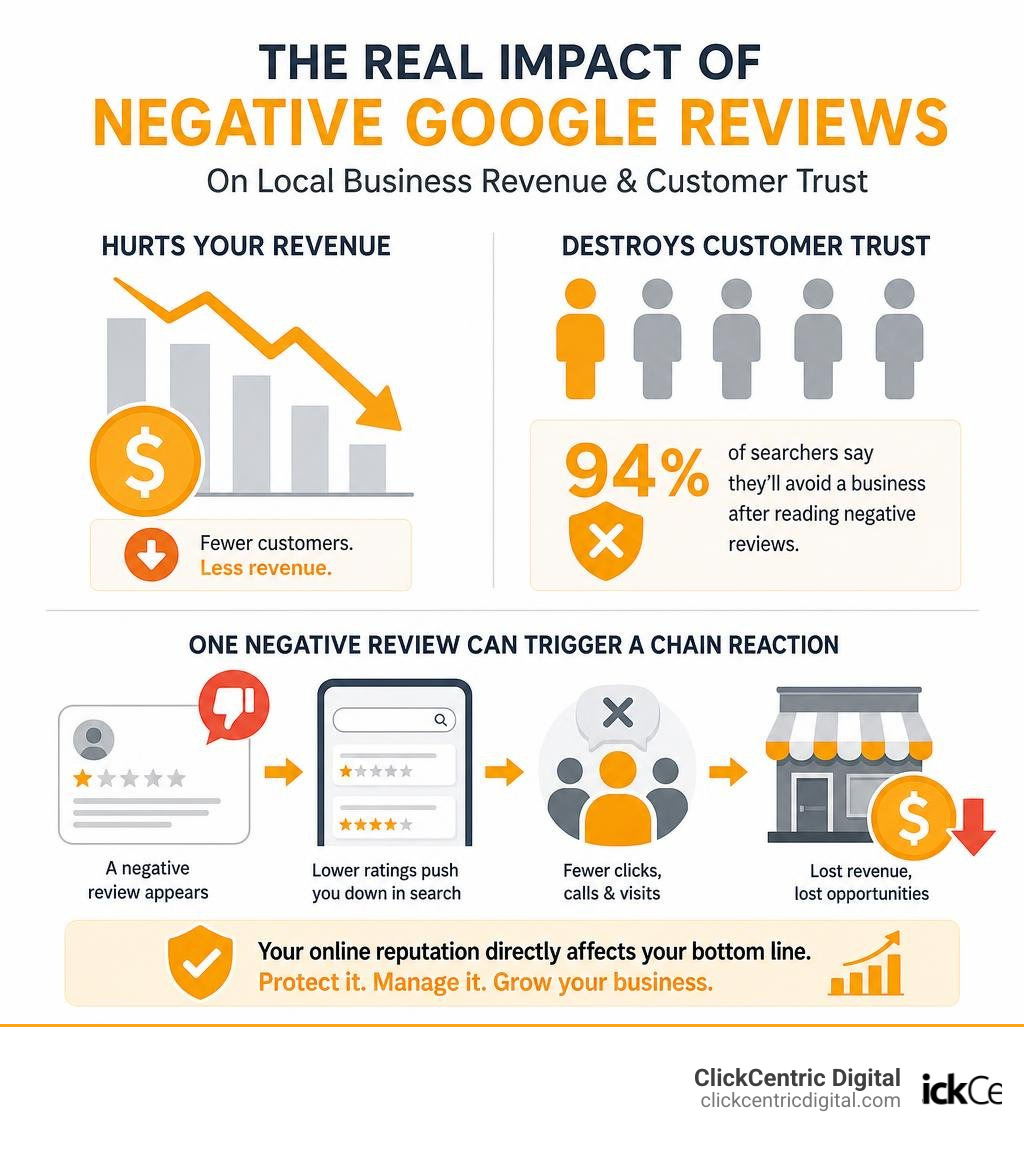
Simple how to delete google business review word guide:
Can You Directly Delete a Google Business Profile Review?
Let’s address the elephant in the room: as a business owner, you cannot log into your dashboard and directly delete a review left by a customer.
This lack of direct platform control is entirely intentional. Google prioritizes the integrity and transparency of its review ecosystem. If business owners could easily delete any piece of constructive or negative feedback, the system would lose all credibility. Consumers would stop trusting the platform entirely. In fact, research shows that 63% of consumers would lose trust in a business after seeing mostly negative reviews, but they also become highly suspicious of businesses with a “too-perfect” 5.0 rating. About 42% of consumers think a review is fake if they feel it might be part of a paid or incentivized agreement or if the profile shows zero negative feedback whatsoever.
Google aims to provide searchers in West Michigan and across the globe with an unbiased, comprehensive look at local merchants. To understand the boundaries of what you can and cannot do on your listing, we highly recommend reading our deep dive on Can You Get a Bad Review Removed From Google or Are You Stuck With It?.
Because Google acts as the sole gatekeeper of user-generated content, you must work within their rules to get a review taken down. This means you must prove to Google’s automated systems or manual moderators that a specific review violates their Terms of Service. If you want a realistic look at how this process plays out behind the scenes, check out our Review Removal Reality Check: Can You Really Delete Google Feedback?.
How to Delete Google Business Review: Step-by-Step Guide
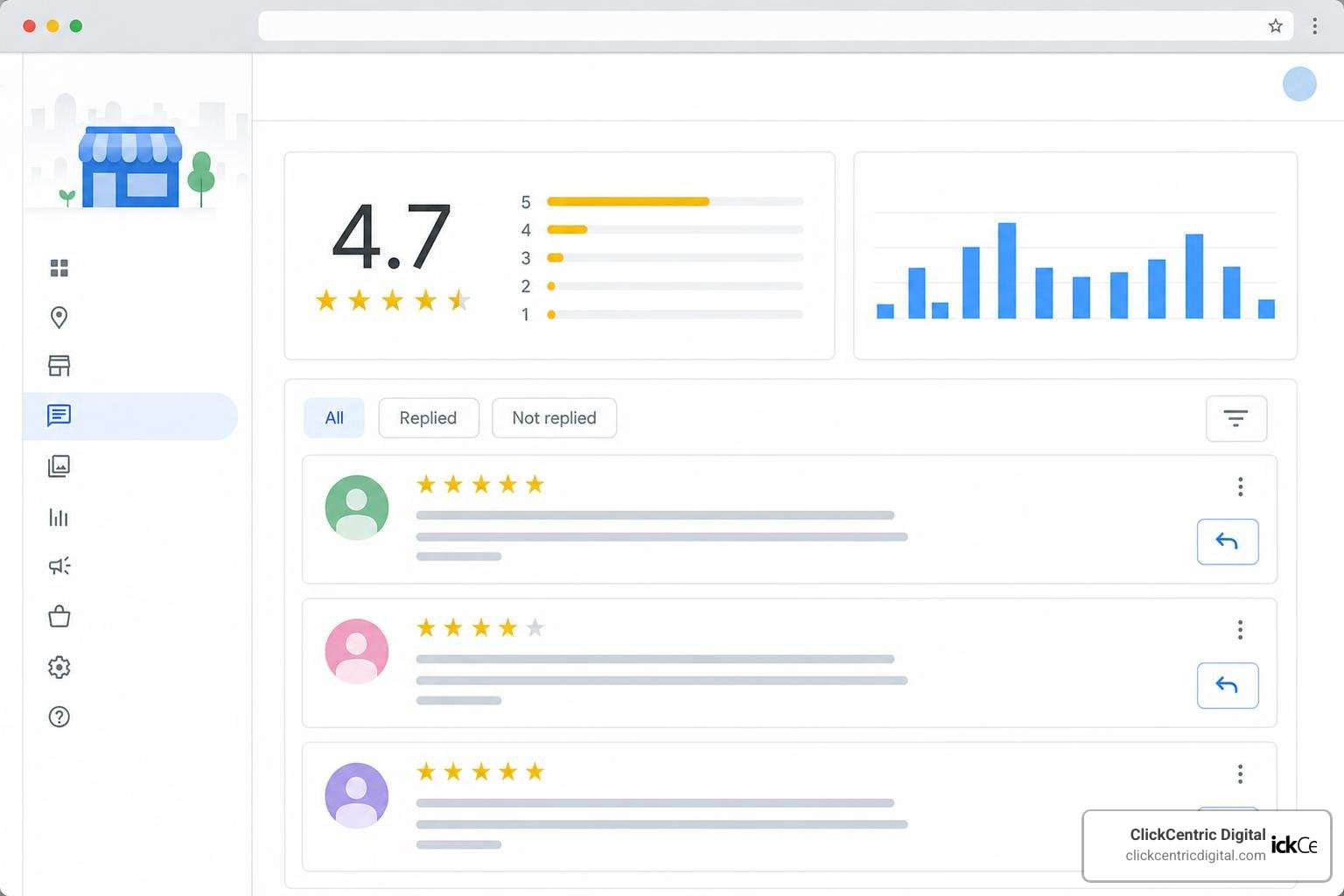
When dealing with a review that crosses the line, you need a systematic approach. The process differs depending on whether you are trying to remove a review you wrote personally or a policy-violating review left by someone else on your business profile. To help you navigate this, we have outlined the exact steps below. For a broader overview of managing this process, check out our comprehensive guide on How Do You Get Rid of Bad Google Reviews: A Step-by-Step Guide.
How to delete google business review posts you wrote
If you accidentally left a review on your own business, reviewed the wrong location, or simply changed your mind about a review you left for another merchant, you can delete your personal contribution directly.
Here is how to delete a review you posted using a computer:
- Open Google Maps on your computer and ensure you are signed in to the Google account you used to write the review.
- Click on the Menu (the three horizontal lines in the top-left corner) or click directly on your profile icon.
- Select Your contributions and then click on the Reviews tab.
- Scroll to find the review you want to modify or delete.
- Click the More (three vertical dots) icon next to the review.
- Select Delete review to remove it permanently, or click Edit review if you simply need to update the text or star rating.
This process is officially documented in the Google Maps Help center. If you are helping a customer who wants to retract a negative review they left for you after you resolved their issue, you can share these exact instructions with them. You can also refer them to the official community discussion on How can someone remove their own review? for additional guidance.
How to delete google business review complaints from customers
When a customer posts an unfair, fake, or policy-violating review on your profile, you cannot delete it yourself. Instead, you must report it to Google.
Here is the most effective way to flag a customer review for removal:
- Go to your Google Business Profile (you can do this by searching your exact business name on Google Search or Google Maps while logged in to your merchant account).
- Click on Read reviews to view your active feedback.
- Locate the review that you believe violates Google’s guidelines.
- Click on the three vertical dots (More menu) next to that specific review and select Report review (or Flag as inappropriate).
- A window will appear prompting you to choose the reason for your report. Select the policy violation that most accurately fits the situation (e.g., Spam, Conflict of interest, Harassment, or Off-topic).
- Click Submit.
For more details on this process, you can refer to the official instructions on how to Report inappropriate reviews on your Business Profile – Google Help. If you are looking for alternative strategic approaches to handle highly persistent bad reviews, take a look at our guide on How to Remove Negative Reviews: 5 Guaranteed Methods.
Google’s Review Removal Policies: What Qualifies for Deletion?
Google will not remove a review simply because it is negative, harsh, or bad for business. They will only step in if the content explicitly violates their Maps User Contributed Content Policy. Understanding these policies is crucial; if you select the wrong violation category when flagging a review, Google’s automated filters will likely reject your request immediately.
To help you understand what qualifies for deletion, we have compiled a comparison of eligible versus ineligible reviews:
| Eligible for Removal (Policy Violations) | Ineligible for Removal (Legitimate Feedback) |
|---|---|
| Spam & Fake Content: Reviews written by bots, multiple accounts from the same person, or paid review rings. | Polite Disagreement: A customer who genuinely disliked your service and explained why without profanity. |
| Conflict of Interest: Reviews left by competitors, current employees, or former employees with a grudge. | Unresolved Complaints: A customer detailing a bad experience that you haven’t been able to fix yet. |
| Harassment & Hate Speech: Reviews containing personal attacks, slurs, threats, or doxxing of specific staff members. | High Prices: Complaints about your pricing structure or fees that do not use offensive language. |
| Off-Topic Rants: Reviews about political views, social issues, or a completely different business at a similar address. | Different Opinions: A user who had a different subjective experience than your average customer. |
For a deeper dive into mastering these distinctions and learning how to build a bulletproof defense against bad feedback, read The Business Owner’s Guide to Google Review Mastery.
Spam, Fake Content, and Conflict of Interest
Fake reviews are highly disruptive to local businesses. Google takes deceptive content seriously, especially with strict Federal Trade Commission (FTC) rules in place that ban fake testimonials and review manipulation.
Here are the primary prohibited content categories that fall under this umbrella:
- Fake Engagement: Content that does not represent a genuine experience at the business. This includes review bombing campaigns where a business is targeted by dozens of new accounts leaving 1-star ratings on the same day.
- Conflict of Interest: Anyone who stands to gain financially from reviewing your business (or hurting it) is prohibited from doing so. This includes competitors leaving 1-star reviews to boost their own local search rankings, or your own employees leaving positive reviews to inflate your score.
- Impersonation: Reviews left by individuals pretending to be someone else, using fake accounts, or claiming to represent an official organization they do not belong to.
Harassment, Hate Speech, and Off-Topic Rants
Google strives to keep its platform safe and constructive. Reviews that cross the line into personal attacks or unrelated topics are highly eligible for removal:
- Harassment: Content that targets specific employees, contains personal threats, or encourages others to harass a business owner. For example, if a reviewer names a specific receptionist at your Grand Rapids office and uses abusive language, Google will typically remove it quickly.
- Off-Topic Content: Reviews must be based on a real customer experience at that specific location. If a reviewer leaves a 1-star rating on your Holland MI profile to complain about a global political issue, or leaves a review meant for a completely different business in Grand Haven MI because they got the names mixed up, it is considered off-topic and should be flagged immediately.
Beyond Flagging: Appeals, Community Escalation, and Legal Action
What happens if you flag a review and Google sends you an automated email saying, “We’ve reviewed the report and found no policy violation”? Do not panic. You have several escalation paths available.
First, use the Reviews Management Tool to check the status of your reported reviews. If your initial report is rejected, the tool allows you to submit a one-time appeal. When submitting this appeal, you must be incredibly specific. Do not just say the review is “unfair.” Instead, cite Google’s exact policy.
For example, if a competitor left the review, gather evidence (such as their public LinkedIn profile showing they work for a rival business in South Haven MI or Kalamazoo MI) and present it clearly. If the reviewer uses a username that is clearly a prank or leaves a gibberish review, explain how this violates their “Fake Engagement” policy.
If the one-time appeal is rejected, your next step is Community Escalation. You can create a detailed post in the Google Business Profile Help Community forum. This forum is monitored by Google Product Experts — volunteer local SEO professionals who have direct lines of communication with Google’s engineering and policy teams. While they do not have a “magic delete button,” they can manually escalate clear policy violations that Google’s automated algorithms missed.
Finally, if a review is demonstrably false, causes measurable financial harm, and Google refuses to act, you may need to consider legal action. A formal cease-and-desist letter or a court order for defamation can sometimes compel Google or the reviewer to take down the content. However, the legal route is expensive and should only be used as a last resort. To protect your business from bad actors proactively, check out our guide on how to Stop the Trolls With These Reputation Monitoring Tools.
Shady Removal Services vs. Legitimate Reputation Management
When your business is hurting from a bad review, you might be tempted by online agencies promising “guaranteed Google review removal” for a fee. We strongly advise you to proceed with extreme caution.
Many of these paid removal services are highly illegitimate. They often use shady tactics like automated mass-flagging bots, browser automation scripts, or even filing fraudulent DMCA copyright takedown notices. These methods violate Google’s Terms of Service. If Google detects that your profile is associated with automated bots or fraudulent reporting patterns, they can permanently suspend your entire Google Business Profile. Losing your local search rankings entirely is far worse than having a few bad reviews.
Instead of risking your livelihood with shady services, invest in legitimate reputation management. Legitimate agencies (like us!) focus on manual, policy-compliant escalation, robust review monitoring, and proactive review generation. The absolute best defense against a negative review is a steady influx of positive, organic reviews from your happy, real-world customers. If you want to keep a close eye on your brand’s standing without risking your account, read about The Best Review Monitoring Services to Save Your Brand’s Reputation.
Frequently Asked Questions about Google Review Removal
How long does Google take to remove a flagged review?
Most straightforward policy violations (such as reviews containing explicit profanity or obvious spam) are evaluated and removed by Google’s automated systems within 2 to 14 days. However, more complex disputes — such as proving a conflict of interest or a competitor relationship — require manual human review and can take anywhere from 14 to 30 days to resolve.
Can I remove a 1-star rating-only review?
Rating-only reviews (a 1-star rating with no written text) are incredibly difficult to remove. Because there is no text for Google’s algorithms or moderators to analyze, it is almost impossible to prove a policy violation unless you can demonstrate that the rating is part of a coordinated bot attack or a mass review-bombing campaign targeting businesses in West Michigan.
What happens if Google rejects my appeal?
If your one-time appeal through the Reviews Management Tool is rejected, the decision is technically final within Google’s standard automated channels. Your remaining options are to escalate the case manually in the Google Business Profile Help Community forum or, if the review is legitimate, focus on a professional response strategy to show future customers that you handle criticism with grace.
Conclusion
Navigating online feedback can be incredibly stressful, but you don’t have to lose your sanity over a few bad ratings. Knowing how to delete google business review complaints through official channels is an essential skill for any business owner in Grand Rapids, Holland, Grand Haven, South Haven, or Kalamazoo.
When a review cannot be removed, your response is your greatest asset. Crafting a calm, professional, and helpful reply shows the 63.6% of searchers looking at your profile that you run a reputable business that cares deeply about customer satisfaction. For practical templates and strategies on handling these situations, take a look at our guide on how to Manage Your Google Review Responses Like a Pro.
At ClickCentric Digital, we help local businesses across West Michigan master their online presence, improve local search rankings, and build robust review generation strategies that naturally dilute the impact of negative feedback. If you are ready to take control of your digital footprint, explore our Get Professional Reputation Management Services today!
Sorry, the comment form is closed at this time.