


26 Jun The Business Owner’s Guide to Google Review Mastery
The Business Owner’s Guide to Google Review Mastery
Why Google My Business Reputation Management Determines Whether Customers Choose You
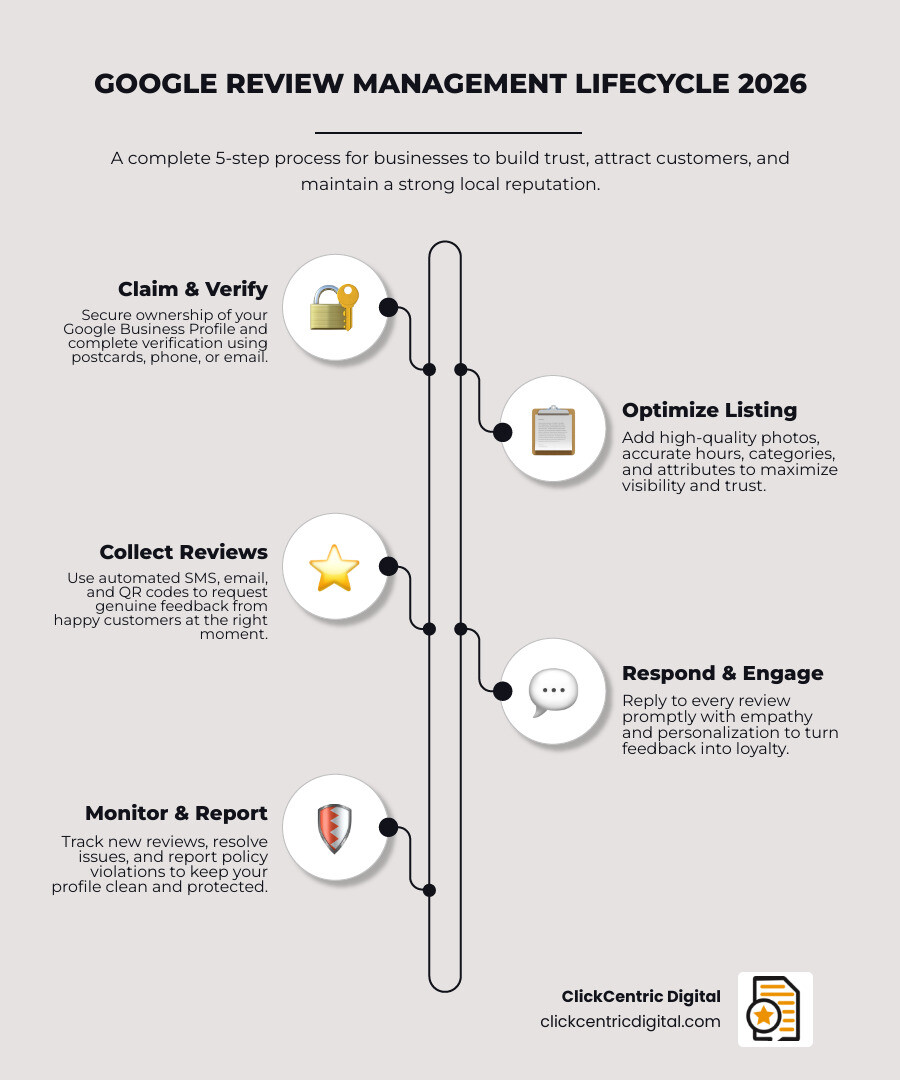
Google My Business reputation management is the ongoing process of claiming, optimizing, and actively maintaining your Google Business Profile — including responding to reviews, reporting fake feedback, and keeping your listing accurate — so that customers trust your business when they find you in Search and Maps.
Here’s a quick snapshot of what it involves:
- Claim and verify your Google Business Profile
- Optimize your listing with accurate info, photos, and categories
- Collect genuine customer reviews consistently
- Respond to every review — positive and negative
- Report reviews that violate Google’s policies
- Monitor your profile regularly for changes and new feedback
Think about the last time you searched for a local business. Before you called or visited, you probably checked their Google rating. So does almost everyone else.
87% of consumers read online reviews before choosing a local business. And 49% won’t even consider a business with less than a four-star rating.
That’s not a small detail. That’s your front door.
A neglected Google Business Profile — wrong hours, no photos, unanswered reviews — quietly costs you customers every single day. Meanwhile, a competitor with a well-managed profile gets the click, the call, and the sale.
The good news? This is entirely fixable. And the businesses that take it seriously see real results. A fully optimized profile is nearly 40% more likely to attract customers and doubles your chances of being seen as reputable.
This guide walks you through exactly how to do it.
Basic google my business reputation management glossary:
Foundations of Google My Business Reputation Management
In May 2026, the digital landscape is more competitive than ever for local businesses in Grand Rapids, Holland, and across West Michigan. While Google has transitioned the name from “Google My Business” to “Google Business Profile,” the core principles of Reputation Management remain the same: you must own your digital space.
Claiming and Verification
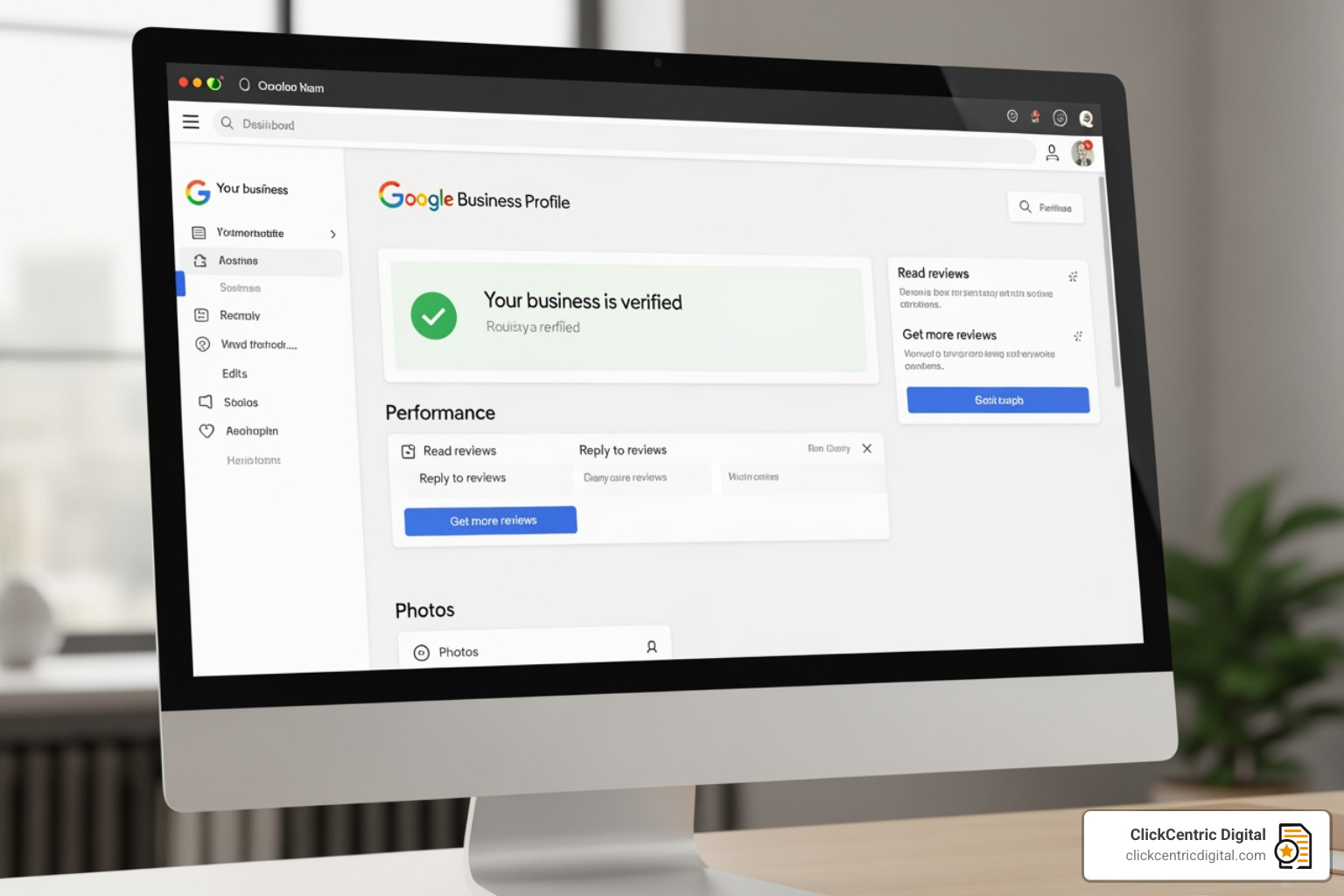
The first step in any google my business reputation management strategy is claiming your listing. Surprisingly, roughly half of local retailers still haven’t claimed their free listings. If you don’t claim it, you can’t manage it. Verification usually happens via a postcard, phone code, or video verification. Once verified, you gain the ability to Manage customer reviews – Google Business Profile Help directly.
NAP Consistency and Categories
NAP stands for Name, Address, and Phone number. It sounds simple, but inconsistency here is a trust-killer. If your listing says you’re on 28th St in Grand Rapids but your website says something else, Google gets confused, and your rankings drop.
- Business Categories: Choose a primary category that describes what your business is, not what it does or sells.
- Service Areas: If you’re a plumber in Kalamazoo MI or a landscaper in Grand Haven MI, define your service areas clearly so you show up for the right local searches.
Optimizing Profile Elements for Maximum Trust
A complete profile is nearly 40% more likely to attract potential customers. But what does “complete” actually mean in 2026?
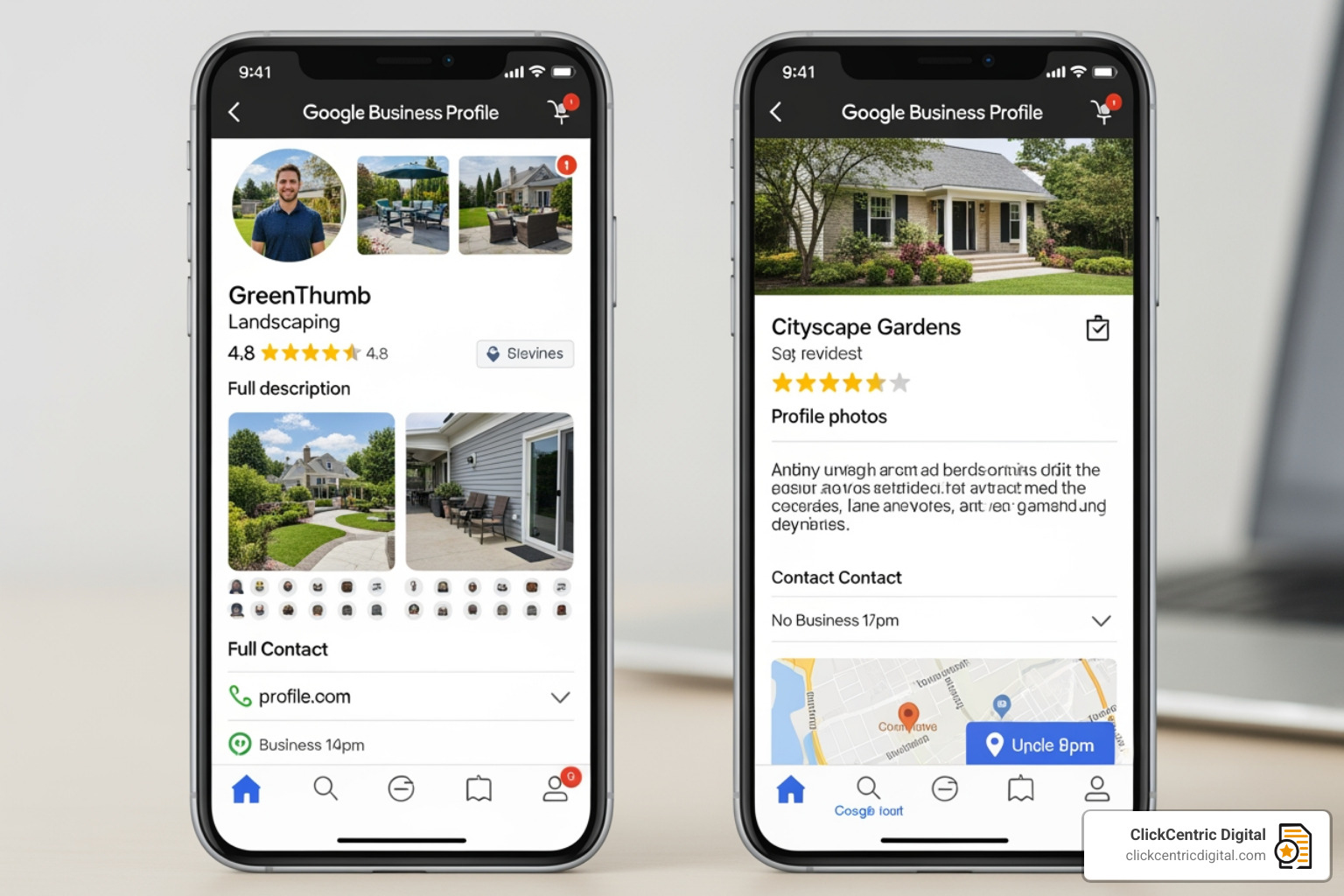
- High-Quality Photos: Listings with photos see 42% more direction requests. We recommend uploading a mix of exterior shots, interior ambiance, and “behind the scenes” photos of your team.
- Video Updates: You can upload videos up to 30 seconds long. Use these to showcase a quick product demo or a customer testimonial.
- Business Description: You have 750 characters. Use them to tell your story, but keep the most important info in the first 250 characters.
- Attributes: Does your Holland MI shop offer “Outdoor seating” or “Identifies as women-led”? These tags help customers find exactly what they’re looking for.
The Role of Consistency in Local SEO
In our work at ClickCentric Digital, we’ve seen that “set it and forget it” is a recipe for failure. Google rewards active profiles. Regularly updated profiles can see a 500% increase in views across Search and Maps.
Mastering Local Reviews to Win More Customers requires a rhythm. This includes updating your operating hours for holidays in South Haven MI or adding new menu images if you’re a restaurant in West Michigan. If a customer drives to your store only to find it closed because your Google hours were wrong, that’s a reputation hit that is hard to recover from.
Strategies for Generating High-Quality Customer Reviews
You can’t have a great reputation without reviews, but you shouldn’t wait for them to happen by accident. You need a proactive system.
- Review Links and QR Codes: Google provides a direct “Short Link” for reviews. Put this on your receipts, business cards, and signage.
- SMS and Email Automation: The best time to ask for a review is immediately after a successful interaction. If you just finished a project in Kalamazoo MI, send a text with the link while the customer is still smiling.
- Timing is Everything: Don’t wait a week. For service businesses, the “honeymoon phase” ends quickly.
For more technical details on the “how-to,” check out Tips to get more reviews – Google Business Profile Help and our guide on how to Stop Settling for Four Stars and Generate More 5-Star Reviews Today.
Ethical Google My Business Reputation Management Practices
We have to be clear here: Never buy reviews. It might be tempting to use “Paid Google Reviews Providers,” but this is a violation of Google’s “Fake Engagement” policy. If caught, Google can suspend your profile entirely, wiping out years of hard work.
Review Platforms for Businesses: How to Not Get Ghosted by Customers emphasizes that genuine feedback is the only sustainable path. Do not offer incentives (discounts, freebies) in exchange for reviews. Google wants honest, unbiased feedback.
Leveraging Review Justifications for Search Visibility
Have you ever searched for “best pizza in Grand Rapids” and seen a snippet under a business that says “Their pepperoni pizza is the best in town”? That is a Review Justification.
Google’s AI scans your reviews for keywords. When you encourage customers to mention specific services—like “best furnace repair in Holland MI”—those keywords help you rank for those specific terms. This is a massive part of modern google my business reputation management.
Mastering the Art of the Review Response
Nearly 100% of consumers who read reviews also read the business’s response. Your response isn’t just for the person who wrote the review; it’s for every future customer watching how you behave.
Best Practices for Responses:
- Be Prompt: 81% of consumers want a response within a week.
- Be Personal: Use the customer’s name. Avoid “Thank you for your business” templates.
- Be Professional: Even if the reviewer is being a jerk, you must remain the adult in the room.
For a deeper dive, read how to Manage Your Google Review Responses Like a Pro.
Handling Negative Feedback in Google My Business Reputation Management
Negative reviews happen. Sometimes they are fair, and sometimes they aren’t. Your goal is to move the conversation offline as quickly as possible.
- Acknowledge and Apologize: “We’re sorry to hear your experience wasn’t up to our usual standards.”
- Provide a Solution: “We’d like to make this right. Please contact our manager at [Phone/Email].”
- Keep it Short: Don’t get into a public shouting match.
If you feel a review is truly unfair, consult our guide on How to Remove Negative Reviews: 5 Guaranteed Methods.
Managing Moderation Delays and Missing Reviews
In 2026, Google’s AI moderation is stricter than ever. Sometimes, a perfectly legitimate review from a customer in Grand Haven MI might not show up immediately.
- The 30-Day Window: Some replies or reviews can take up to 30 days to clear moderation.
- Spam Filters: If a customer leaves a review while connected to your business Wi-Fi, Google might flag it as “Conflict of Interest.”
- Support Tickets: If reviews are missing in bulk, you may need to contact Google support.
According to 11 ways to boost your online reputation with Google Business Profile – ReputationDefender, staying active with fresh posts and photos can sometimes help “nudge” the system to show your profile is healthy.
Protecting Your Brand from Fake and Policy-Violating Reviews
Not all bad reviews are real. Competitors or “trolls” may occasionally target your business. Knowing the difference is key to google my business reputation management.
| Feature | Genuine Negative Review | Policy-Violating Spam |
|---|---|---|
| Content | Specific details about a visit or product | Vague, generic, or off-topic rants |
| User History | Has reviewed other local businesses | Brand new account or reviews 50 places in one day |
| Timing | Follows a known transaction | Often comes in a “burst” of multiple 1-star ratings |
| Conflict of Interest | A real customer | An ex-employee or a competitor |
If a review violates Google’s policies (harassment, hate speech, fake engagement), you can flag it. However, a Review Removal Reality Check: Can You Really Delete Google Feedback? will tell you that Google rarely removes a review just because you don’t like it. You must prove a policy violation.
Advanced Google My Business Reputation Management for Multi-Location Brands
If you manage businesses across West Michigan—say, one in Holland, one in Grand Rapids, and one in Kalamazoo—consistency is your biggest challenge.
- Centralized Monitoring: Use a dashboard to see all reviews in one place.
- Location-Level Accountability: Ensure the manager at each specific location is responsible for the “boots on the ground” service that leads to the reviews.
- Sentiment Analysis: Use tools to track if “slow service” is a trend across all locations or just one.
To keep the trolls at bay across multiple profiles, check out Stop the Trolls with These Reputation Monitoring Tools.
Frequently Asked Questions about Google Reviews
How long does it take for a review reply to be publicly visible?
Most replies appear within 10 minutes, but Google’s moderation system can take up to 48 hours for standard checks. In rare cases where a manual review is triggered, it can take up to 30 days.
Can a business owner delete a negative Google review?
No. Business owners cannot delete reviews. You can only respond to them or “Flag as inappropriate” if they violate Google’s Terms of Service. If the review is honest but negative, your best bet is to resolve the issue with the customer and ask them to update their rating.
Does the volume of reviews impact local search rankings in 2026?
Yes, absolutely. Review signals (volume, frequency, and star rating) account for approximately 16% of local SEO ranking factors. A business in Grand Rapids with 500 reviews will almost always outrank a similar business with only 5 reviews, provided other factors are equal.
Conclusion
Mastering google my business reputation management isn’t a one-time task; it’s a vital part of your daily operations. When 72% of customers say positive reviews increase their trust, you cannot afford to leave your online reputation to chance.
At ClickCentric Digital, we specialize in helping businesses across West Michigan—from Grand Rapids to Kalamazoo—take control of their local search presence. Whether you need help generating more 5-star reviews or managing complex multi-location profiles, we have the tools and expertise to help you grow.
Your reputation is your most valuable asset. Don’t let a few unanswered comments or an unoptimized profile stand in the way of your success.
Sorry, the comment form is closed at this time.