

22 May Top Tools for Google Ads Management That Actually Work
Top Tools for Google Ads Management That Actually Work
Why Advertisers Need Google Ads Management Tools in 2026
The best Google Ads management tools available right now include:
| Tool | Best For | Starting Price |
|---|---|---|
| Optmyzr | Agencies & multi-account management | $208/month |
| Adalysis | Ad testing & creative optimization | $149/month |
| Opteo | Quick wins & daily recommendations | $129/month |
| Ryze AI | Autonomous AI-driven management | $40/month |
| Adzooma | Free cross-platform PPC auditing | Free |
| Google Ads Editor | Bulk offline editing | Free |
Managing Google Ads used to mean checking in once a week. Not anymore.
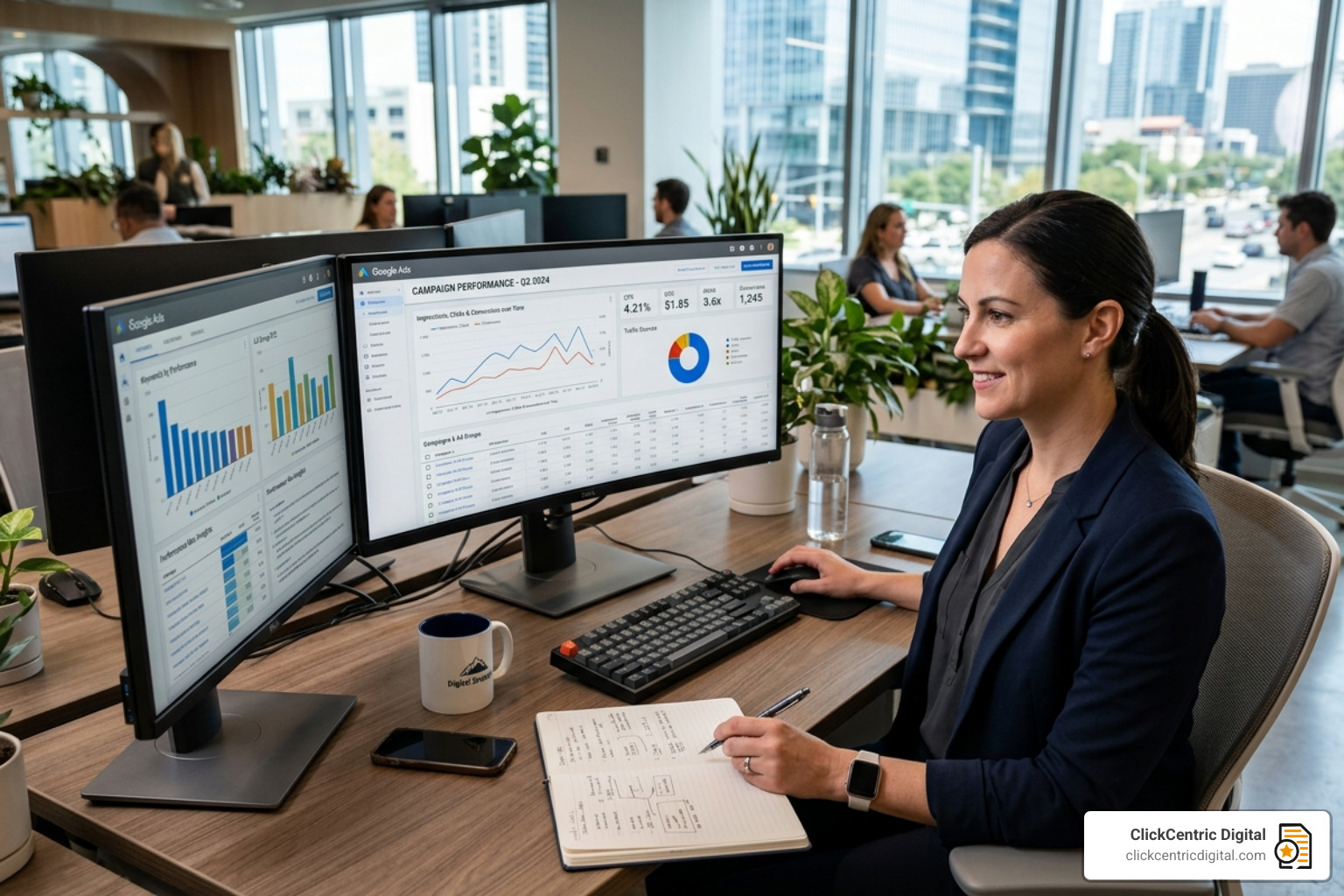
Today, the real work starts after a campaign goes live. You’re watching budget pacing, digging through search terms, catching underperforming ad groups, and trying to stop wasted spend before it spirals. For a single account, that can eat 12-15 hours every week.
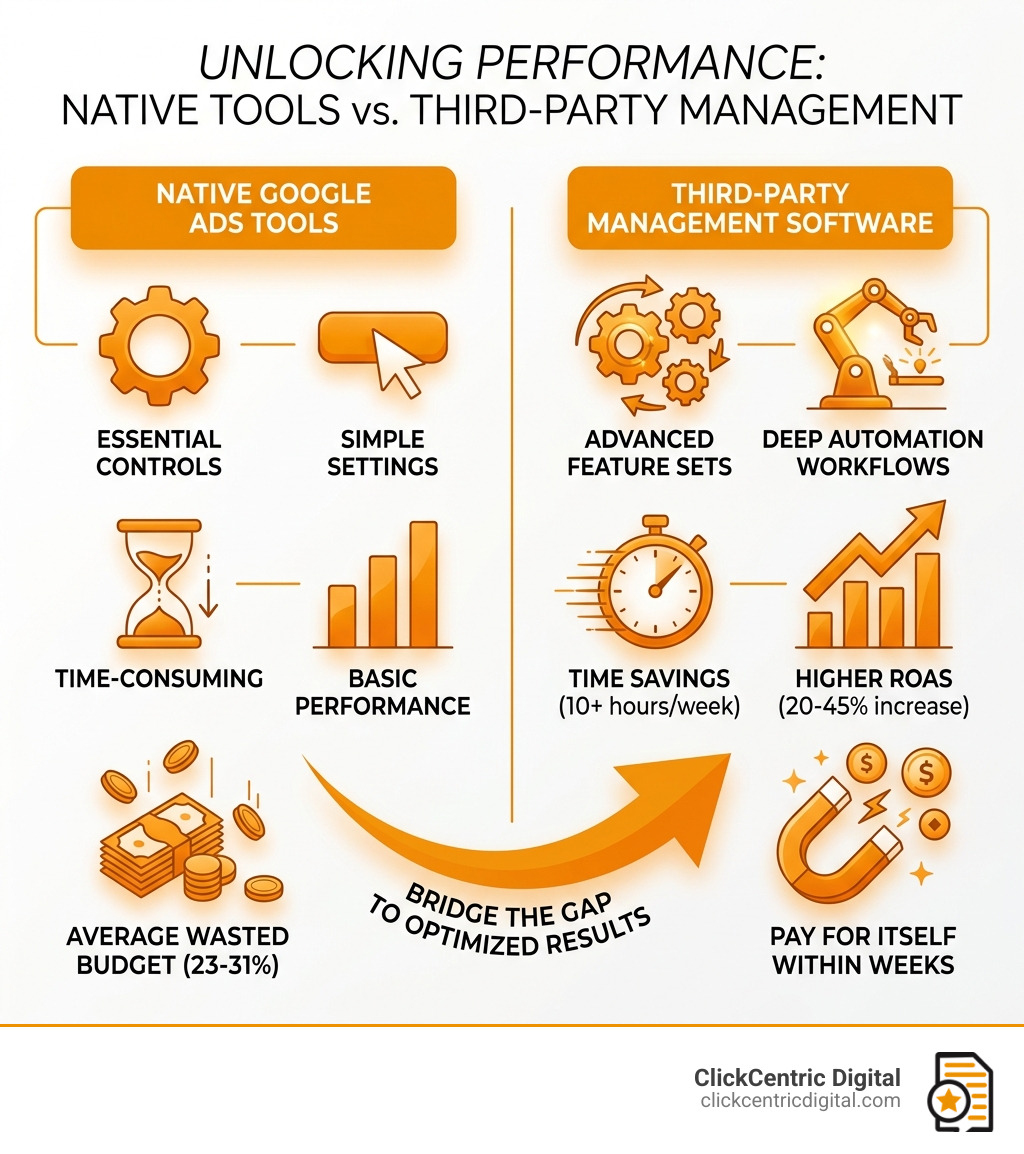
And here’s the uncomfortable truth: the average manually managed Google Ads account wastes 23-31% of its budget on underperforming keywords, audiences, and ad groups.
Google’s own interface is built for simplicity — great for getting started, but limiting once your account grows or you’re juggling multiple campaigns. It doesn’t offer deep automation workflows, cross-account auditing, or the kind of anomaly detection that catches problems fast.
That’s the gap third-party Google Ads management tools fill. The right tool can save 10+ hours per week, improve ROAS by 20-45%, and pay for itself within weeks.
For local business owners running paid traffic to attract nearby customers, this matters even more. Every wasted dollar is a customer you didn’t reach. You can read more about getting the most from paid campaigns in ClickCentric Digital’s guide to mastering Google PPC management.
Quick look at google ads management tools:
The Best Google Ads Management Tools for Every Advertiser
In 2026, the landscape of google ads management tools has shifted toward deep integration and AI-driven efficiency. We’ve seen that accounts spending $25K+ monthly that adopt proper tooling see average efficiency gains of 20-40% within just eight weeks. But which tool is right for you?
Optmyzr
Optmyzr remains a heavyweight champion for agencies. It manages over $5 billion in ad spend annually and is designed to handle the complexity of hundreds of accounts simultaneously. Its “Rule Engine” allows us to build custom automations that act like a digital consultant, performing “sanity checks” on every change.
Adalysis
If your focus is on the “creative” side of the house, Adalysis is often the top pick. It excels at systematic A/B testing, helping users see Click-Through Rate (CTR) improvements averaging 22% within 45 days. It basically acts as a PPC copilot, identifying the root causes of performance dips so you don’t have to play detective.
Ryze AI
For those who want to set it and forget it (mostly), Ryze AI offers an autonomous approach. It handles 80-90% of routine optimizations without human input. In our research, accounts using Ryze AI for six weeks averaged a 38% improvement in ROAS.
Adzooma
For smaller businesses or those just starting, Adzooma provides a “Free Forever” plan that offers cross-platform auditing for Google, Meta, and Microsoft. It’s a great way to “fix what’s hurting” your campaigns without an upfront financial commitment.

AI-Powered vs. Recommendation-Based Platforms
When choosing google ads management tools, you’ll likely encounter two different philosophies: autonomous AI and recommendation-based systems.
- Autonomous Tools (like Ryze AI): These platforms take the wheel. They use machine learning to adjust bids, pause underperforming ads, and shift budgets in real-time. They are ideal for lean teams that need to scale without adding headcount.
- Recommendation-Based Tools (like Opteo): These systems monitor your data for statistically significant patterns and then present you with a list of “Improvements.” You still have the final say—you click a button to push the change live. Opteo users who implement these daily recommendations see an average 19% ROAS improvement within 60 days.
| Feature | Autonomous AI (e.g., Ryze AI) | Recommendation-Based (e.g., Opteo) |
|---|---|---|
| Control Level | High Automation / Hands-off | High Human Oversight / Hands-on |
| Speed | Instant adjustments 24/7 | Fast (one-click approval) |
| Best For | Scaling large portfolios quickly | Marketers who want to stay “in charge” |
| Setup | Set parameters and monitor | Review and approve daily tasks |
Free Native Tools vs. Paid Third-Party Software
We often get asked: “Why pay for a tool when Google gives me free ones?” It’s a fair question. Google’s native tools are excellent for specific tasks:
- Google Ads Editor: This is the gold standard for bulk offline editing. If you need to change 500 headlines across 50 campaigns, you do it here.
- Keyword Planner: Still the best source for raw search volume data directly from the source.
- Performance Planner: Great for forecasting how budget changes might impact your local ppc campaigns.
However, native tools are built by Google to help you spend money efficiently within their ecosystem. Third-party google ads management tools are built to help you save money and find the insights Google might not highlight—like identifying “wasteful” placements in Performance Max or providing cross-platform reporting that includes your Facebook and TikTok spend.
Essential Features and Comparison of Modern Platforms
What makes a tool “essential” versus just a “nice-to-have”? In 2026, it comes down to how much data the tool can digest and how quickly it can turn that data into profit. Effective paid traffic management requires more than just high bids; it requires surgical precision.
Key Features to Look for in Google Ads Management Tools
When you are shopping for software, ensure it checks these boxes:
- Anomaly Detection: If a landing page breaks or a competitor suddenly outbids you, you need an alert in Slack or email immediately—not three days later when you check the dashboard.
- Quality Score Tracking: Quality Score directly impacts what you pay per click. Tools like Optmyzr provide a historical view of this metric, which Google’s native interface notoriously hides.
- Budget Pacing: This prevents the “oops” moment at the end of the month where you realize you’ve spent your entire 30-day budget in the first two weeks.
- A/B Testing Automation: Systematic creative testing can lead to a 22% CTR improvement. Look for tools that automatically notify you when a test has reached statistical significance.
- Multi-Channel Integration: If you are running ads for a local auto shop, you might be using Google and Facebook. Managing these in one place is a massive time-saver. You can see why this matters in our guide on why your auto shop needs Facebook ads.
Choosing the Right Google Ads Management Tools for Your Business
Your choice should depend on your specific business stage and goals:
- For Small Businesses: Look for tools that emphasize “guided optimization.” You don’t need a cockpit with 1,000 buttons; you need a tool that says, “Hey, add these three negative keywords to save $50 this week.” Affordable Google Ads management is about maximizing every cent.
- For Agencies: Scalability is everything. You need white-label reporting (so the reports have your logo, not the tool’s) and multi-account dashboards. Agencies using tools like Adalysis have reported a 150% increase in team capacity.
- The 5% Rule: A good rule of thumb is to budget up to 5% of your monthly ad spend for management tools. If you spend $5,000 a month, a $250/month tool that reduces waste by 20% ($1,000) is an easy “yes.”
Cost vs. ROI: Maximizing Your Ad Spend Efficiency
The cost of google ads management tools ranges from free to several hundred dollars per month. While the subscription fee is easy to see, the ROI is often found in the “hidden” gains.
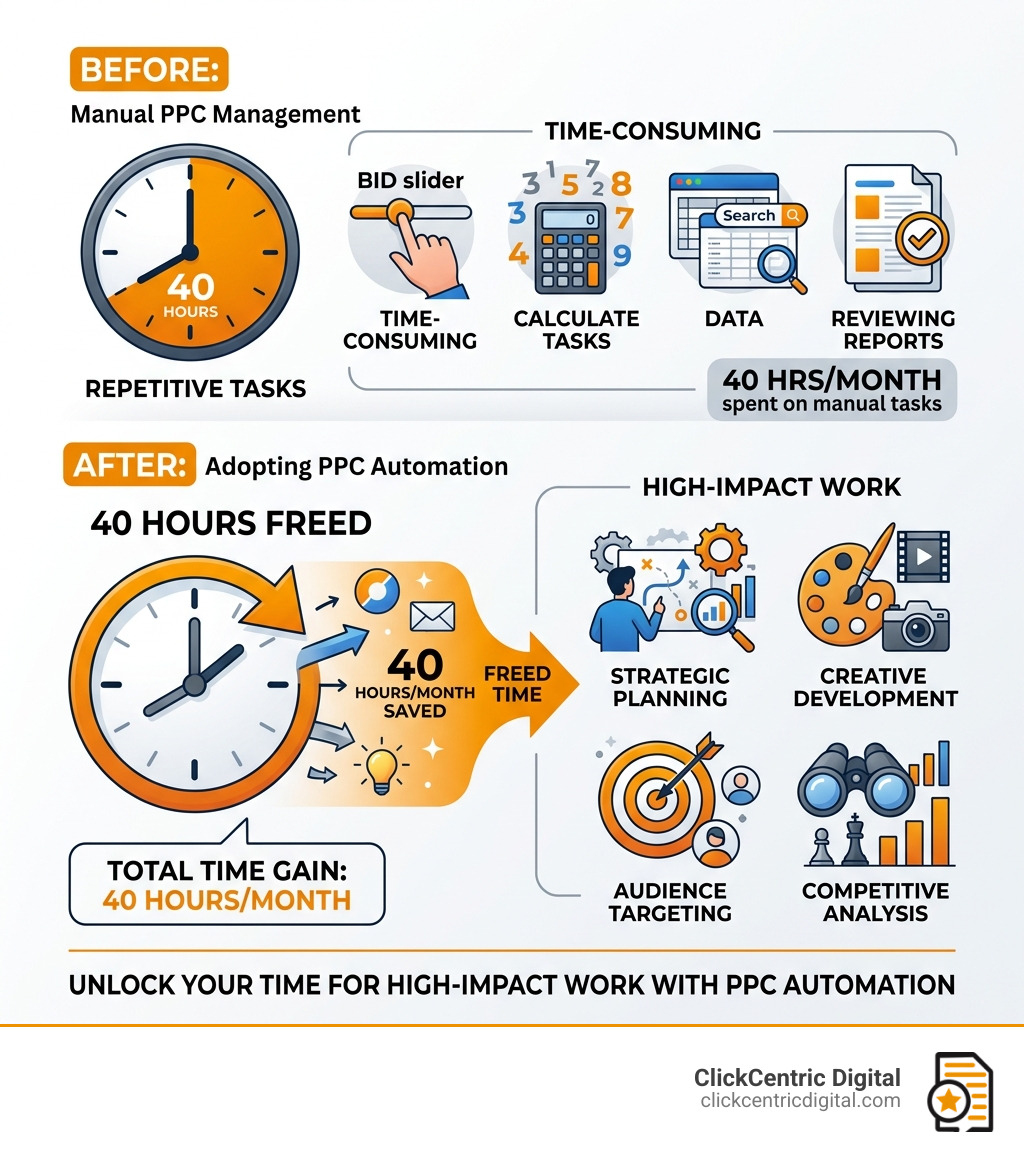
- Time Savings: If a tool saves you 10 hours a week and your time is valued at $50/hour, that’s $2,000 in monthly value before you even consider ad performance.
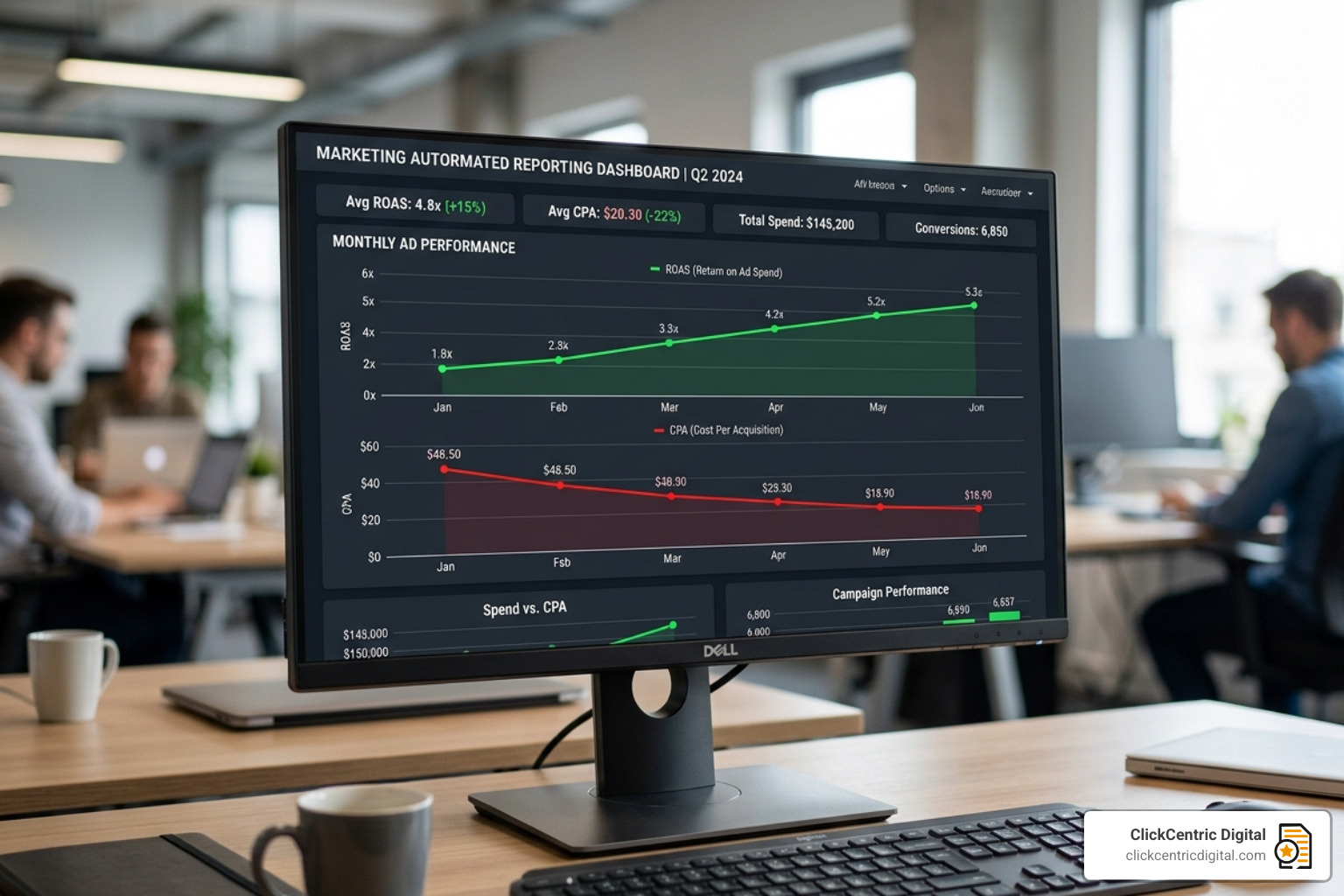
- Waste Reduction: Since the average manual account wastes about 30% of its budget, a tool that cuts that waste in half for a $10,000/month advertiser saves $1,500 every single month.
- Performance Gains: Users of AddOptimizer have seen a 47% average ROI increase by unifying their Google and social campaigns.
For local service providers, efficiency is the difference between a profitable month and a loss. Whether you’re trying to run Facebook ads for a local business or dominate Google Search, the right software ensures you aren’t “ghosted” by your own budget.
Frequently Asked Questions about PPC Software
Can these tools replace a human account manager?
The short answer is: No. While autonomous tools can handle 80-90% of the repetitive tasks (bidding, search term cleanup, budget shifts), they cannot replace human strategy. A tool won’t know that your business is launching a new product line next month or that a local competitor just closed down. You need a “human-in-the-loop” to handle creative development and high-level troubleshooting.
How long does it take to see results from management software?
Most advertisers see an “efficiency window” within 8 weeks. Initial wins, like CTR improvements from ad testing, often appear within 45 days. However, the first 30 days are usually an “implementation phase” where the tool learns your account history and you clean up basic “hygiene” issues like broken tracking links.
Do these tools work with Performance Max campaigns?
Yes, and this is actually one of their biggest selling points in 2026. Google’s Performance Max (PMax) is often a “black box.” Third-party tools allow you to see where your PMax ads are actually showing (Search vs. Display vs. YouTube) and allow you to apply “scripts” or “asset optimization” that the native Google interface doesn’t easily support. This is crucial for niche industries, such as non-profits managing Google Grants, where specific guardrails are required.
Conclusion
The era of manual PPC management is effectively over. With rising CPCs and increasing competition in West Michigan and beyond—from Grand Rapids to Kalamazoo—staying ahead requires the best technology available.
At ClickCentric Digital, we specialize in helping businesses in Grand Rapids, Holland, and throughout West Michigan navigate these complex waters. We don’t just “set” ads; we leverage targeted strategies for local customer acquisition. Whether you need help with paid traffic management, improving your local search rankings, or managing your online reputation, we are here to ensure your ad spend actually works for you.
Don’t let 30% of your budget disappear into the “waste” bin. Choose the right google ads management tools today, or reach out to us to see how we can handle the heavy lifting for you.
Sorry, the comment form is closed at this time.